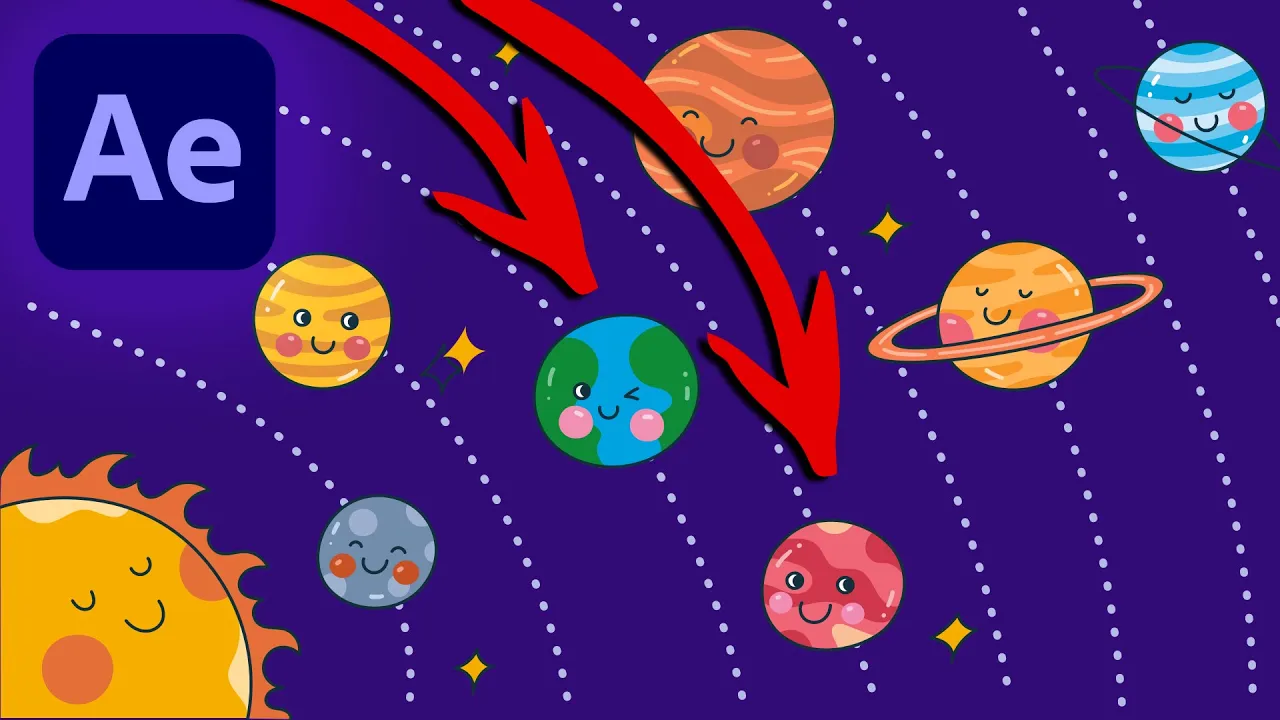
Inertia in After Effects
 Michael Tierney
Aug 18, 2021 22:45
Michael Tierney
Aug 18, 2021 22:45
Create an account to hide videos, mark them watched, or save them to Don't Miss.
Create an account to hide videos, mark them watched, or save them to Don't Miss.
Create an account to hide videos, mark them watched, or save them to Don't Miss.
▼ After Effects Beginners Course ▼
https://www.domestika.org/en/courses/2207-fundamentals-of-animation-in-after-effects/tierneytv
Learn how to create a bounce effect with expressions in After Effects. In this easy After Effects tutorial, you will learn how to create fast and easy movements with inertia. I will show you how to create this with a simple expression in Adobe After Effects.
-----------------------------------------------
The expression is pinned as the top comment or check out this link by Harry Frank with some other cool expressions including the one in this video:
https://www.graymachine.com/top-5-effects-expressions
Illustration:
https://elements.envato.com/kawaii-space-and-planet-doodle-set-USXSX4U
Animation Composer
http://misterhorse.tv/products/animation-composer/
-----------------------------------------------
Website: http://tierney.tv
Instagram: http://instagram.tierney.tv
Behance: http://behance.tierney.tv
Youtube: http://youtube.tierney.tv
Thanks for stopping by :)
Michael Tierney
Motion Designer
www.tierney.tv
#AfterEffects #Inertia #Expressions
Education
#adobe
#after effects
#tutorial
#how to
#create
#motion
#graphics
#inertial
#bounce
#expression
#wiggle
#velocity
#amplitude
#frequency
#decay
#smooth
#expressions
#inertia
#movement
#animation