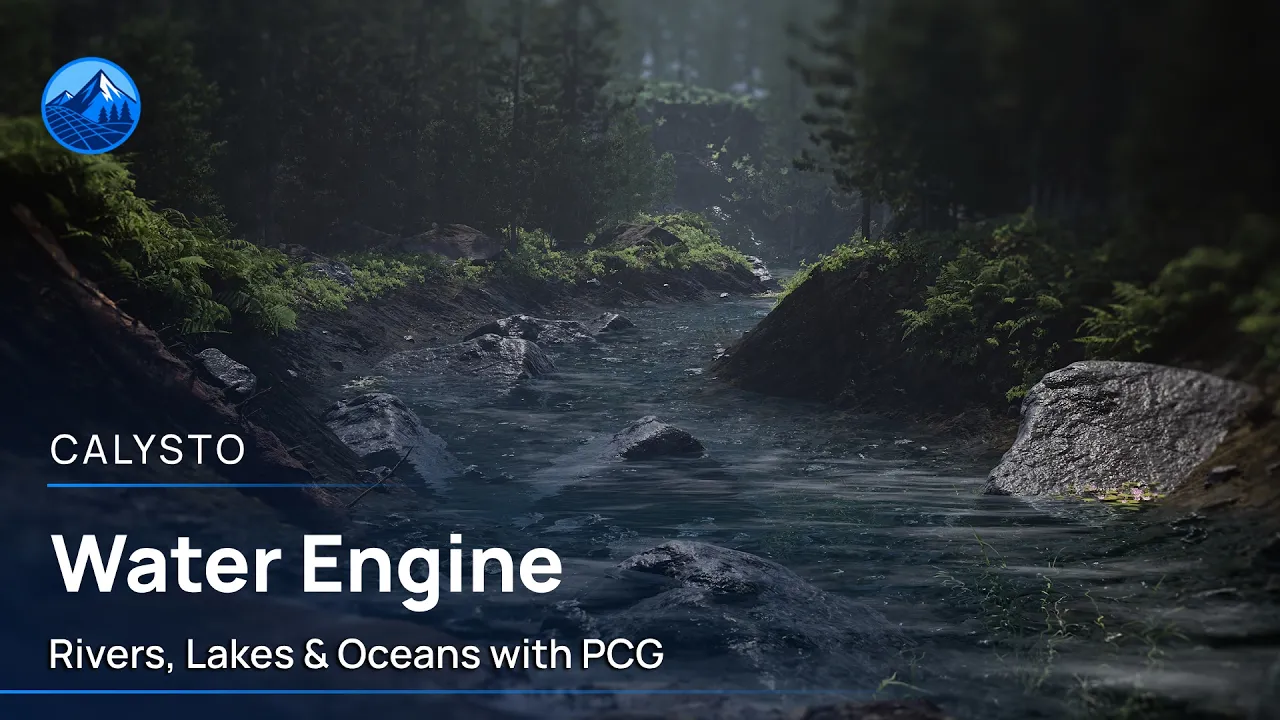
Calysto Water Engine – Getting Started Tutorial | Unreal Engine 5
 Calysto
Aug 17, 2026 11:55
Calysto
Aug 17, 2026 11:55
Create an account to hide videos, mark them watched, or save them to Don't Miss.
Create an account to hide videos, mark them watched, or save them to Don't Miss.
Create an account to hide videos, mark them watched, or save them to Don't Miss.
Learn how to create procedural rivers, lakes, and oceans in Unreal Engine 5 using Calysto Water Engine.
This official getting-started tutorial walks through the core workflow, from initial setup and water creation to terrain-aware rivers, directional flow, materials, underwater effects, interactions, and buoyancy.
Calysto Water Engine uses editor-generated, image-based PCG data to provide an artist-friendly water workflow while preserving more of your runtime budget for gameplay and open-world environments.
🌊 Get Calysto Water Engine on Fab: https://www.fab.com/listings/1de3406c-33f0-49c7-a99a-4e9e47a8aede
🎬 Official trailer: https://youtu.be/NXwq59pBaCU
📖 Documentation: https://qwertystudio.gitbook.io/calysto-water-engine
💬 Discord: https://discord.gg/FvaD4kbh8D
#UnrealEngine5 #UE5Tutorial #ProceduralGeneration
Film & Animation
#Calysto Water Engine
#Calysto Water tutorial
#Calisto Water Engine
#Unreal Engine 5 tutorial
#UE5 tutorial
#Unreal Engine water tutorial
#UE5 water system
#procedural water
#procedural river
#river generator
#lake generator
#ocean system
#Unreal Engine PCG
#UE5 PCG
#water plugin
#water material
#water shader
#buoyancy system
#underwater effects
#open world tools
#environment design
#Unreal Engine 5.8
#Fab marketplace