Particles — BBS tips
 McHorse's Creations
Sep 23, 2024 12:00
McHorse's Creations
Sep 23, 2024 12:00
Create an account to hide videos, mark them watched, or save them to Don't Miss.
Create an account to hide videos, mark them watched, or save them to Don't Miss.
Create an account to hide videos, mark them watched, or save them to Don't Miss.
Chapters
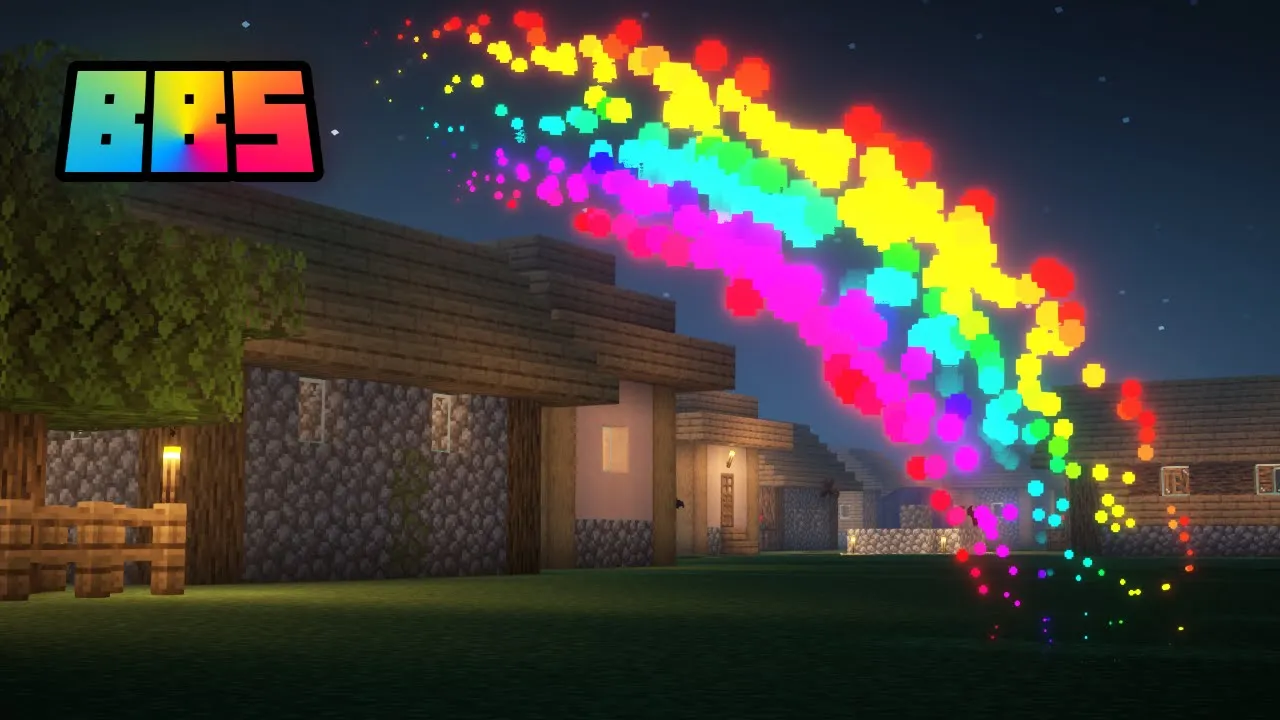
BBS mod supports Bedrock Edition particle effects, which can be made with @JannisX11's Snowstorm particle editor.
In this tutorial, I show you how to import these particles. I forgot to mention that not every BE particle effect feature is supported in BBS mod, but majority of them are. The major ones that aren't supported are: additional facing modes, events, and bezier type curves.
Video related links:
— Default texture atlas: https://github.com/Mojang/bedrock-samples/blob/main/resource_pack/textures/particle/particles.png
— Snowstorm web app: https://snowstorm.app/
Links:
— BBS mod's CurseForge page: https://www.curseforge.com/minecraft/mc-mods/bbs-mod/
— BBS mod's Modrinth page: https://modrinth.com/mod/bbs-mod/
— Patreon: https://www.patreon.com/McHorse
— Boosty: https://boosty.to/mchorse
— Afdian: https://afdian.com/a/McHorse
Education
#Minecraft
#Minecraft machinimas
#BBS mod
#Blockbuster mod
#MCTV
#MCRP
#Minecraft roleplays
#Particles
#Minecraft Bedrock Edition
#Snowstorm