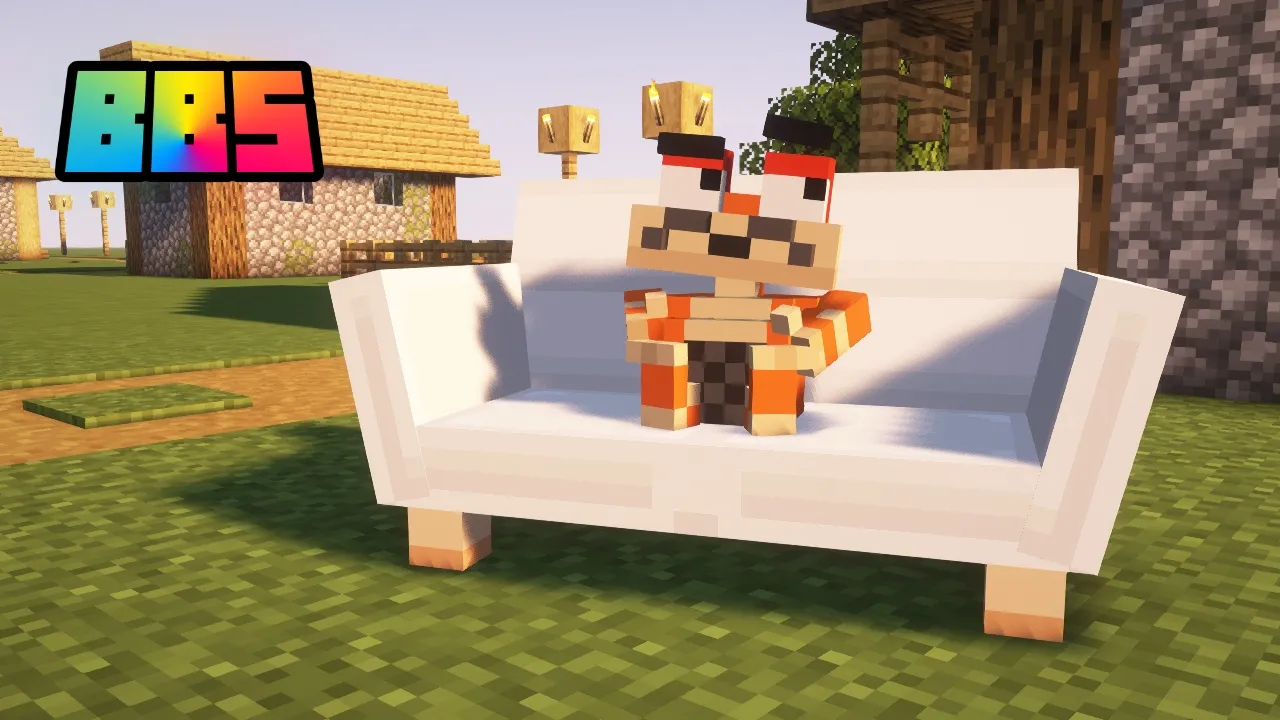
Importing models — BBS academy, ep. 2
 McHorse's Creations
Aug 11, 2024 12:00
McHorse's Creations
Aug 11, 2024 12:00
Create an account to hide videos, mark them watched, or save them to Don't Miss.
Create an account to hide videos, mark them watched, or save them to Don't Miss.
Create an account to hide videos, mark them watched, or save them to Don't Miss.
Chapters
Welcome back to BBS academy! In this video, I teach you how to import different kinds of models that Blockbuster mod supports. Specifically: its own format, .geo.json and .vox.
BBS mod wouldn't be possible without Patreon, Afdian and Boosty donators! Special thanks goes to Chunk7, FunkyFight, Kirkus, Nioum, Cristian (Little.Froggy), Rüyaperest, Ninja2die and CheesyKirah! 💖
Links:
— BBS mod's CurseForge page: https://www.curseforge.com/minecraft/mc-mods/bbs-mod/
— BBS mod's Modrinth page: https://modrinth.com/mod/bbs-mod/
— Patreon: https://www.patreon.com/McHorse
— Boosty: https://boosty.to/mchorse
— Afdian: https://afdian.com/a/McHorse
Tutorial's links:
— Blockbench: https://www.blockbench.net/
— BBS mod wiki page about models: https://github.com/mchorse/bbs-mod-wiki/wiki/Models#available-actions
— MagicaVoxel: https://ephtracy.github.io/
Education
#Minecraft
#Minecraft mods
#BBS mod
#Blockbuster mod
#Minecraft machinimas
#MCTV
#MCRP
#Minecraft Roleplays
#YouTube
#Minecraft animations
#Minecraft Fabric