How to import animated Blender models in BBS FS 2.4
 McHorse's Creations
Aug 15, 2026 11:56
McHorse's Creations
Aug 15, 2026 11:56
Create an account to hide videos, mark them watched, or save them to Don't Miss.
Create an account to hide videos, mark them watched, or save them to Don't Miss.
Create an account to hide videos, mark them watched, or save them to Don't Miss.
Chapters
This is not a Blender tutorial, but rather general overview how to import 3D models into BBS FS 2.4 through .bobj model format with mesh skinning (bends and stuff). There are a ton of tutorials out there how to do specific things in Blender, and this isn't one of them.
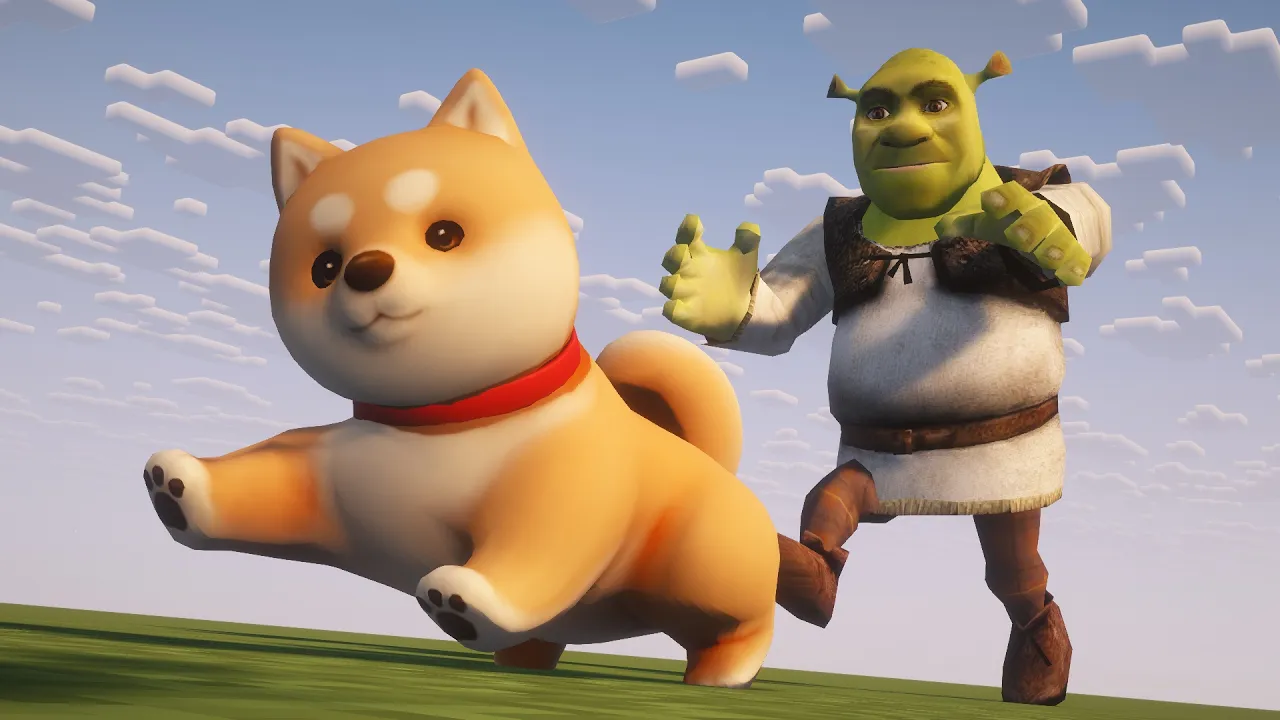
One more important thing I forgot to mention: models with a lot of vertices, in comparison to .obj models, will lag a ton, so try to avoid importing models that have more than 2K vertices in general. Models I imported were 4,700 (Shiba dog) and under 1,000 (Shrek).
Links:
— BBS FS: https://modrinth.com/mod/bbs-fs
— Shiba model (by zixisun02, CC-BY-4.0): https://sketchfab.com/3d-models/shiba-faef9fe5ace445e7b2989d1c1ece361c
— Shrek model (by burnt.melon, CC-BY-4.0): https://sketchfab.com/3d-models/shrek-ff6a111c58c94d328b0880a38b912428
— Blender 3.2: https://download.blender.org/release/Blender3.2/
— BOBJ add-on for Blender 2.8-3.3: https://github.com/mchorse/io_export_bobj/releases/
Education
#Minecraft
#Minecraft machinimas
#BBS mod
#Blockbuster mod
#MCTV
#MCRP
#Minecraft roleplays