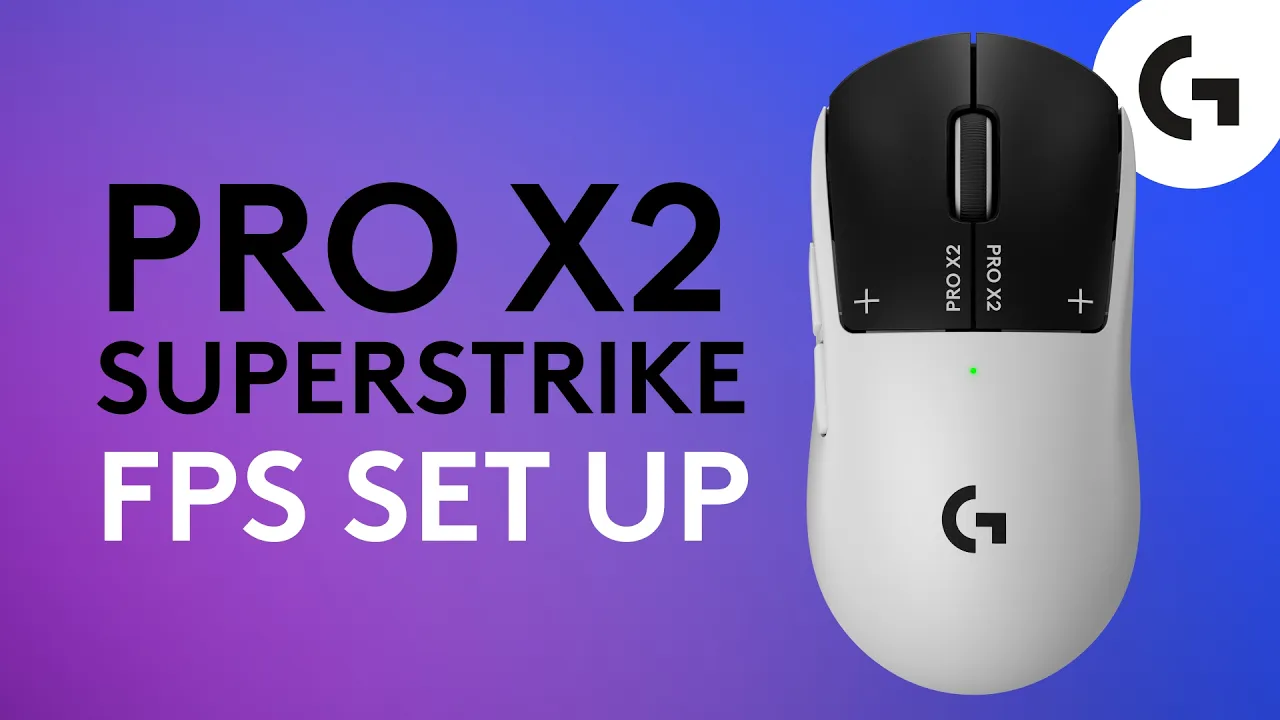
How To Set Up Your PRO X2 SUPERSTRIKE For FPS Games
 Logitech G
Oct 21, 2026 19:21
Logitech G
Oct 21, 2026 19:21
Create an account to hide videos, mark them watched, or save them to Don't Miss.
Create an account to hide videos, mark them watched, or save them to Don't Miss.
Create an account to hide videos, mark them watched, or save them to Don't Miss.
Chapters
In this video, Logitech G explains how to set up and optimise the PRO X2 SUPERSTRIKE using G HUB, to help you get the most out of your mouse for competitive FPS gaming.
In this video, you'll learn how Logitech G HUB unlocks the full potential of the PRO X2 SUPERSTRIKE by giving you complete control over click responsiveness and performance. We cover the mouse's 10 actuation point levels, 5 Rapid Trigger levels, and haptic intensity settings, showing how each can be adjusted to suit your playstyle.
You'll also discover how HITS Codes let you instantly import settings from professional esports players. Whether you play Counter-Strike 2, VALORANT, Rainbow Six Siege, or League of Legends, you'll see how different settings can improve speed, precision, and consistency.
FAQ
What is HITS on the Logitech G PRO X2 SUPERSTRIKE?
HITS (Haptic Inductive Trigger System) is the technology behind the mouse's adjustable actuation point, rapid trigger, and haptic feedback settings, all controlled in G HUB.
Does the PRO X2 SUPERSTRIKE save settings without G HUB running?
Yes. G HUB settings are stored on the mouse's onboard memory and apply on any computer.
Can I copy pro player mouse settings in the PRO X2 SUPERSTRIKE?
Using HITS Codes, you can import pro player’s G HUB configuration straight to your mouse.
Chapters:
#PROX2SUPERSTRIKE #CS2 #LogitechG
https://LogitechG.com
https://twitter.com/logitechg
https://tiktok.com/@logitechg
https://facebook.com/logitechg
https://instagram.com/logitechg
https://discord.gg/logitechg
Gaming
#Logitech G PRO X2 SUPERSTRIKE
#PRO X2 SUPERSTRIKE
#PRO X2 SUPERSTRIKE G HUB setup
#Logitech G HUB
#Haptic Inductive Trigger System
#HITS Codes
#rapid trigger mouse
#pro player mouse settings
#CS2 mouse settings
#VALORANT mouse settings
#Rainbow Six Siege mouse settings
#League of Legends mouse settings
#best mouse for competitive FPS
#how to set up rapid trigger mouse
#esports gaming mouse
#Logitech G
#logitech gaming mouse
#gaming mouse
#best wireless mouse
#pc gaming