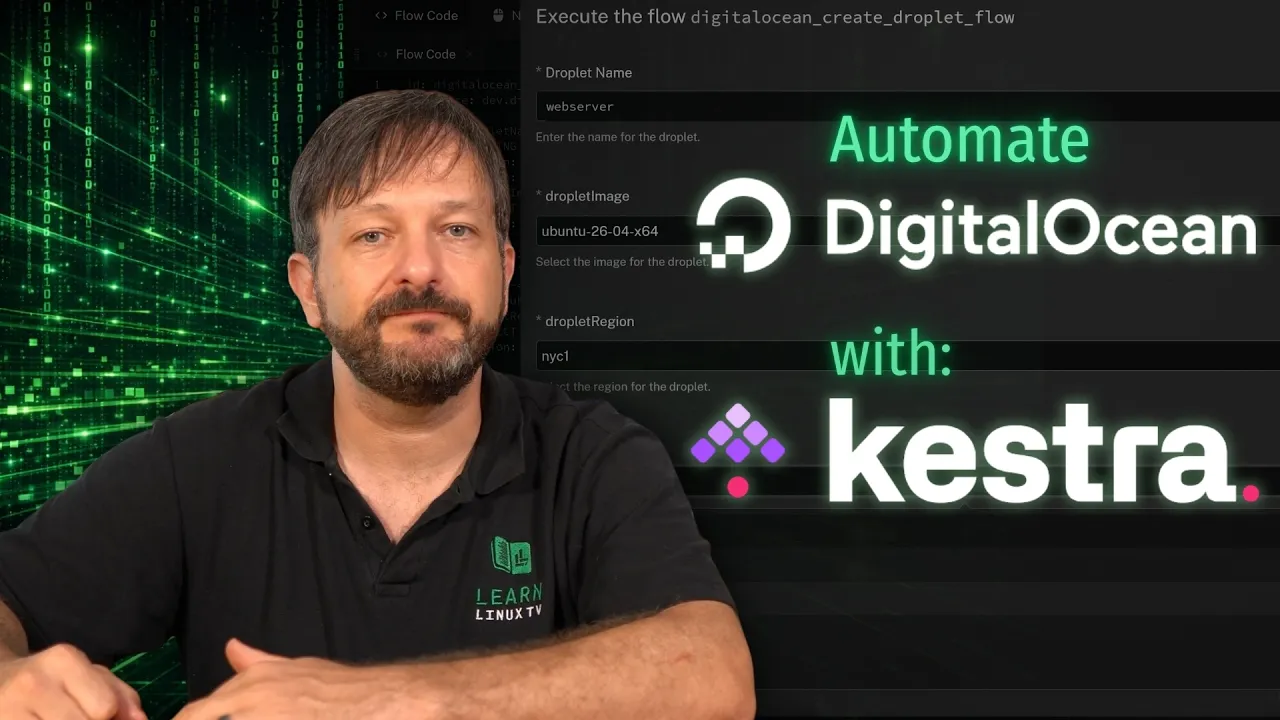
How to Automate DigitalOcean with Kestra 2.0 (Full Tutorial)
 Learn Linux TV
Sep 16, 2026 15:00
Learn Linux TV
Sep 16, 2026 15:00
Create an account to hide videos, mark them watched, or save them to Don't Miss.
Create an account to hide videos, mark them watched, or save them to Don't Miss.
Create an account to hide videos, mark them watched, or save them to Don't Miss.
Chapters
Kestra 2.0 is here, and in this tutorial I'll show you how to automate DigitalOcean with it. We'll walk through the brand new DigitalOcean plugin, build our Kestra flow, and add inputs so the flow can be reused with different values. If you've been looking for an open-source way to automate your cloud infrastructure, this one's for you!
*🔗 Video-Specific Links*
- Check out Kestra ➜ https://learnlinux.link/kestra-3
- Kestra 2.0 Release Notes ➜ https://learnlinux.link/kestra-v2
- Kestra/Digital Ocean partnership ➜ https://learnlinux.link/kestra-do
- Kestra’s source code on Github ➜ https://learnlinux.link/kestra-github
- Set up a Digital Ocean account ➜ https://learnlinux.link/digitalocean
- Official blog post for this video ➜ https://learnlinux.link/kestra-3-article
*📚 Discounts, Courses, Books, and More! (Support Linux Learning)*
- Save 30% (or more) on Linux Foundation certs! ➜ https://www.awin1.com/cread.php?awinmid=85919&awinaffid=2807514
- Switching to Linux Book:
Amazon ➜ https://www.amazon.com/Switching-Linux-Practical-Guide-Windows/dp/B0HKQG14JF
Publisher ➜ https://leanpub.com/switch-to-linux
- Linux Swag & Gear ➜ https://merch.learnlinux.tv
- Live Training ➜ https://www.learnlinux.tv/live-training
- $100 of Free Linode Starter Credit ➜ https://www.linode.com/lp/refer/?r=cbea6f8a0ee1005f98f0feb84037ee3ee16f21c9
- "Linux Pro-Tips" Newsletter ➜ https://learnlinux.link/linux-tips
- eBook Bundle ➜ https://merch.learnlinux.tv/products/linux-enthusiast-ebook-bundle
- Ansible Course ➜ https://learnlinuxtv.thinkific.com/products/courses/ansible-automation-made-easy
- Paid Assistance ➜ https://www.learnlinux.tv/request-assistance
*🕐 Time Codes*
*🎓 Learn Linux TV*
Your source for Linux-related Fun and Learning!
- Official website: https://www.learnlinux.tv
- Community Forums: https://community.learnlinux.tv
- Official Subreddit: https://learnlinux.link/reddit
- Facebook Community: https://learnlinux.link/facebook-group
- More about Jay: https://learnlinux.link/jay
*🤝 Affiliate and Content Ethics*
Some links in this description are affiliate links. If you purchase through them, Learn Linux TV may earn a commission at no additional cost to you. This helps keep the content flowing.
- https://www.learnlinux.tv/content-ethics
*⚠️ Use Content Responsibly*
Learn Linux TV shares technical content intended to teach and help you, but it comes with no warranty. The channel is not liable for damages resulting from its use. Always ensure you have proper permission, follow organizational policies, protect important data, and comply with applicable laws.
#Kestra #DigitalOcean #Linux
Science & Technology
#Linux
#Learn Linux TV
#Learn Linux
#Linux Training
#Linux Tutorials
#kestra
#kestra 2.0
#kestra tutorial
#kestra 2.0 tutorial
#digitalocean
#kestra digitalocean
#kestra digitalocean plugin
#digitalocean tutorial
#automate digitalocean
#digitalocean droplet
#kestra flow
#workflow automation
#workflow orchestration
#infrastructure automation
#cloud automation
#open source automation
#yaml workflow
#devops
#devops tutorial
#sysadmin
#homelab
#self hosted
#linux
#learn linux tv