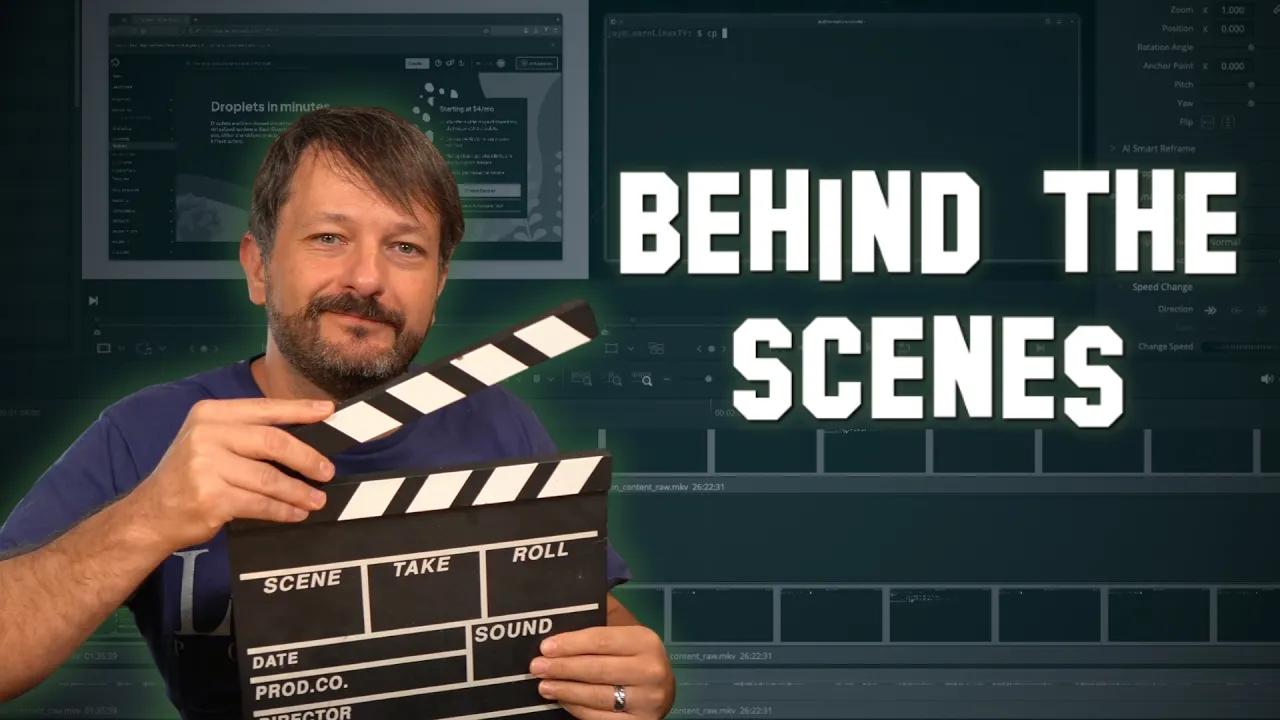
How I Make My Linux Videos - Full Studio Tour
 Learn Linux TV
Sep 23, 2026 14:00
Learn Linux TV
Sep 23, 2026 14:00
Create an account to hide videos, mark them watched, or save them to Don't Miss.
Create an account to hide videos, mark them watched, or save them to Don't Miss.
Create an account to hide videos, mark them watched, or save them to Don't Miss.
Chapters
📚 *Switching from Windows to Linux? Check out my book!* https://learnlinux.link/ditch-windows
🎓 *Save 30% or More on Linux Foundation Training & Certifications!* https://learnlinux.link/get-certified
Ever wondered what goes into making a Learn Linux TV video? Check out my behind the scenes look as I pull back the curtain and talk about my writing and production workflow, how I capture screen recordings on real hardware, a full tour of my recording studio, why I care so much about production quality, and more!
*🎥 Jay's Gear*
- Camera (Sony A6600) ➜ https://learnlinux.link/jay-camera
- Lens (Sigma 16mm f/1.4 DC DN) ➜ https://learnlinux.link/jay-lens
- Microphone (Audio-Technica AT4053B) ➜ https://learnlinux.link/jay-mic
- PC (System76 Thelio Mira) ➜ https://learnlinux.link/jays-desktop
- Speakers (Edifier R1280DB) ➜ https://learnlinux.link/jay-speakers
- Phone Ubiquiti UniFi Talk G3 Touch ➜ https://learnlinux.link/jay-phone
- Switch 2 ➜ https://learnlinux.link/jay-gaming
_Note: Some of the above links result in affiliate revenue for Learn Linux TV_
*📚 Discounts, Courses, Books, and More! (Support Linux Learning)*
- Switching to Linux Book:
Amazon ➜ https://www.amazon.com/Switching-Linux-Practical-Guide-Windows/dp/B0HKQG14JF
Publisher ➜ https://leanpub.com/switch-to-linux
- Linux Swag & Gear ➜ https://learnlinux.link/swag
- Live Training ➜ https://learnlinux.link/swag
- $100 of Free Linode Starter Credit ➜ https://learnlinux.link/linode
- "Linux Pro-Tips" Newsletter ➜ https://learnlinux.link/linux-tips
- eBook Bundle ➜ https://learnlinux.link/ebook-bundle
- Ansible Course ➜ https://learnlinux.link/ansible
- Paid Assistance ➜ https://www.learnlinux.tv/request-assistance
*🕐 Time Codes*
*🎓 More About Learn Linux TV*
- *Official website* - https://www.learnlinux.tv
- *Community Forums* - https://community.learnlinux.tv
- *Official Subreddit* - https://learnlinux.link/reddit
- *Facebook Community* - https://learnlinux.link/facebook-group
- *Need Professional Linux Assistance?* - https://learnlinux.link/help
- *More about Jay* - https://learnlinux.link/jay
*🤝 Affiliate and Content Ethics*
Some links in this description are affiliate links. If you purchase through them, Learn Linux TV may earn a commission at no additional cost to you. This helps keep the content flowing.
- https://www.learnlinux.tv/content-ethics
*⚠️ Use Content Responsibly*
Learn Linux TV shares technical content intended to teach and help you, but it comes with no warranty. The channel is not liable for damages resulting from its use. Always ensure you have proper permission, follow organizational policies, protect important data, and comply with applicable laws.
#Linux #BehindTheScenes #StudioTour
Science & Technology
#Linux
#Linux Tutorials
#behind the scenes
#studio tour
#home studio setup
#youtube studio tour
#how i make my videos
#video production workflow
#content creation workflow
#youtube behind the scenes
#screen recording setup
#video editing workflow
#recording studio tour
#learn linux tv
#linux youtube channel
#linux tutorials
#linux content creator
#homelab
#linux sysadmin
#tech youtuber setup
#youtube gear
#creator workflow
#linux swag
#behind the scenes youtube channel