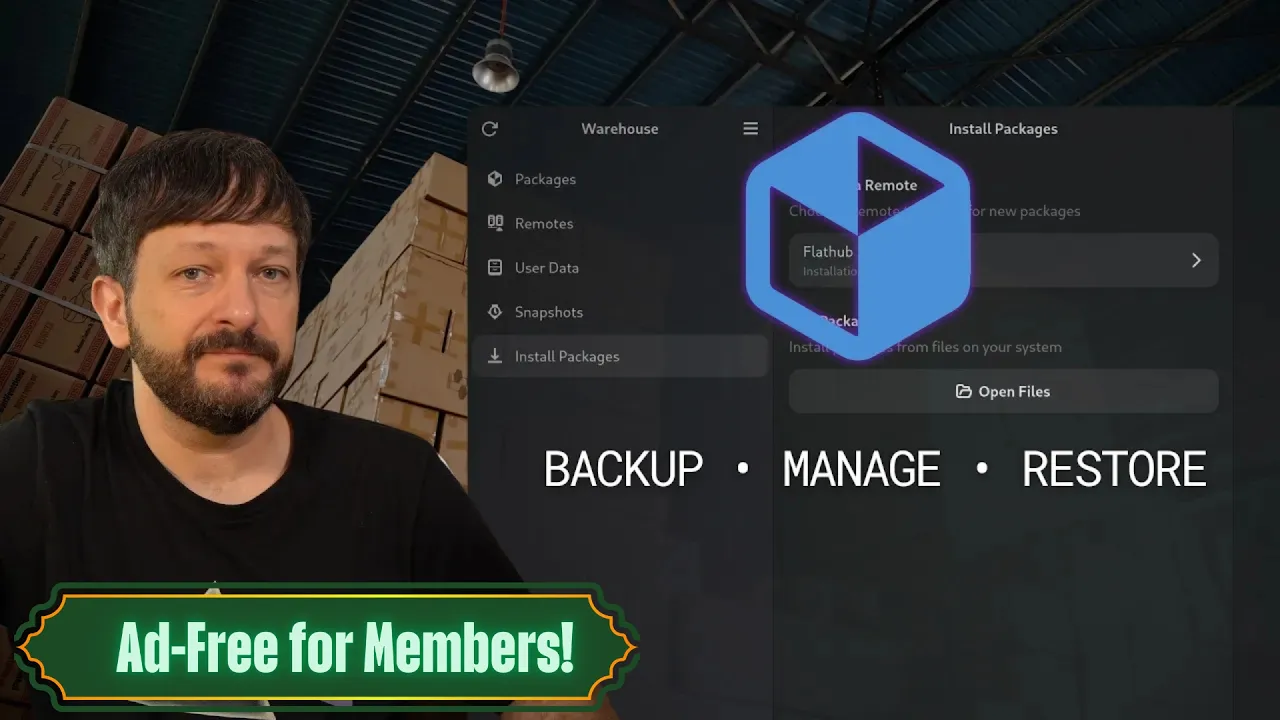
Ad-free for Members: Manage, Backup, and Restore Flatpak Apps with Warehouse
 Learn Linux TV
Apr 14, 2026 00:02
Learn Linux TV
Apr 14, 2026 00:02
Create an account to hide videos, mark them watched, or save them to Don't Miss.
Create an account to hide videos, mark them watched, or save them to Don't Miss.
Create an account to hide videos, mark them watched, or save them to Don't Miss.
In this tutorial, you'll learn how to use Warehouse — a powerful graphical tool for managing Flatpak applications on Linux. Warehouse gives you full control over your Flatpak apps, including the ability to manage user data, create snapshots, and restore previous states — all from a clean, easy-to-use interface.
Whether you're new to Flatpak or a seasoned Linux user looking for a better way to manage your apps, this video covers everything you need to get started with Warehouse on any Linux distribution that supports Flatpak and Flathub.
*🔗 Video-Specific Links*
- Flatpak ➜ https://flatpak.org
- Flathub ➜ https://flathub.org
- Warehouse (Github) ➜ https://learnlinux.link/warehouse-github
- Warehouse (Flathub) ➜ https://learnlinux.link/warehouse-flathub
Science & Technology
#Linux
#gnu/linux
#LearnLinuxTV
#Learn Linux TV
#LearnLinux.TV
#Learn Linux
#Linux Training
#Linux Tutorials