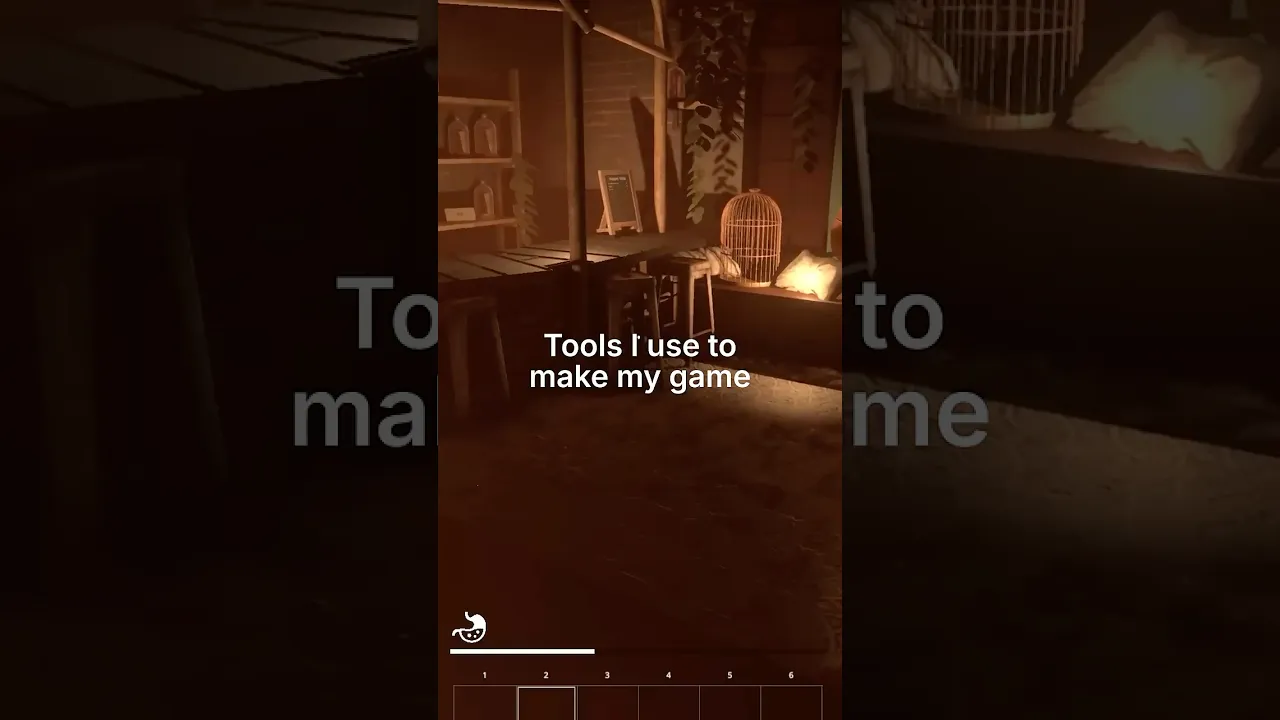
Game Development Tools
 LanaLux
Dec 21, 2025 16:30
LanaLux
Dec 21, 2025 16:30
Create an account to hide videos, mark them watched, or save them to Don't Miss.
Create an account to hide videos, mark them watched, or save them to Don't Miss.
Create an account to hide videos, mark them watched, or save them to Don't Miss.
Tool I use to make my game:
1) Blender: I like using blender for sculpting. I find the tools to be pretty straight forward and reliable. It's also free!
2) Maya: I like doing other 3D modelling in here. I usually piece together the high and low poly parts and UV unwrap in Maya as well.
3) Unity: This is the game engine I use, I put everything together here.
4) Marvelous Designer: When I'm working on character art, sometimes it's easier to simulate the outfit than sculpt it by hand. MD uses cloth physics at a high level of precision for realistic cloth simulation.
I live stream the process on Twitch (lana_lux).
Science & Technology
#game development
#game dev
#game developer
#unity
#learn
#tips
#3d
#digital art
#core