How to Create Beautiful Games in Unity
 Kyle Banks
Feb 25, 2025 17:00
Kyle Banks
Feb 25, 2025 17:00
Create an account to hide videos, mark them watched, or save them to Don't Miss.
Create an account to hide videos, mark them watched, or save them to Don't Miss.
Create an account to hide videos, mark them watched, or save them to Don't Miss.
Chapters
Support development on Patreon
❤️ https://patreon.com/kylebanks
Get Farewell North on Steam, Nintendo Switch, Xbox or PS5
👉 https://farewell-north.com/links
Join the Discord
👉 https://farewell-north.com/discord
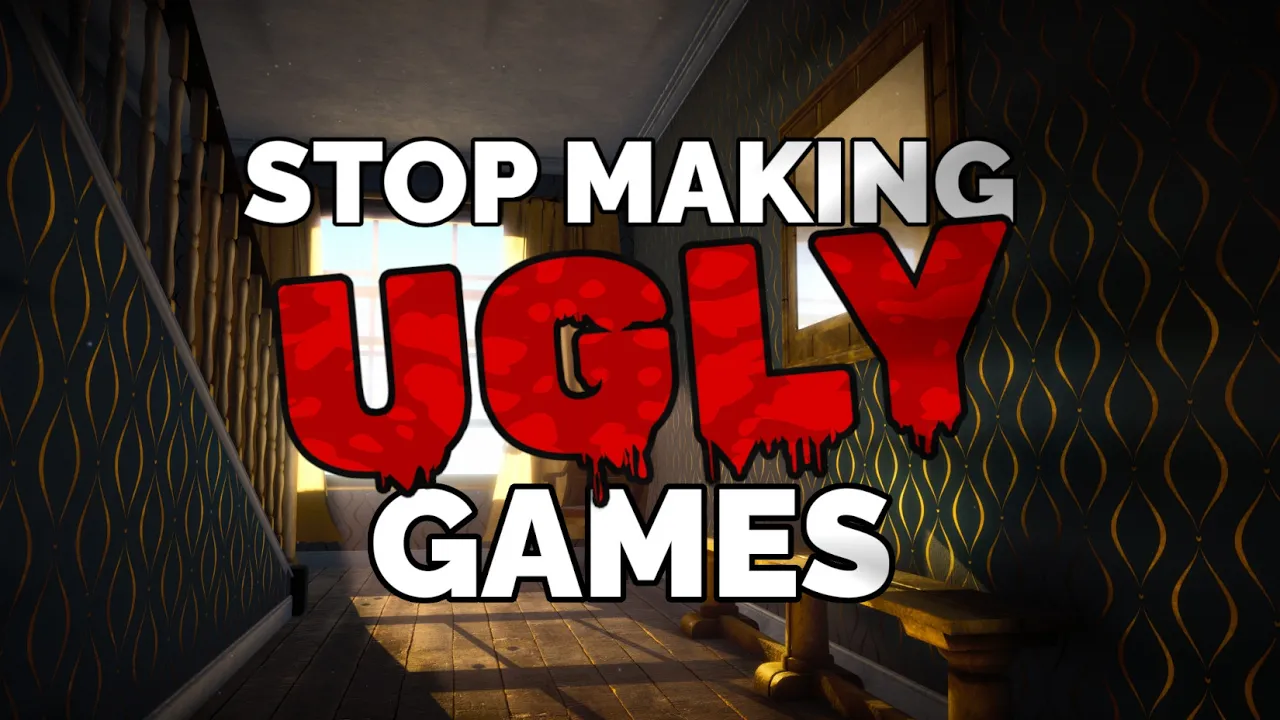
Programmer art doesn't have to suck! In this video I show how you can code your way to better graphics in Unity using shaders, lighting, reflections, and post processing to overcome lacking art skills.
We'll create two scenes, one with a more realistic art direction, and one that's more stylized. Without creating any textures I'll show you how to create some punchy and striking visuals in Unity URP. We'll make use of the default PBR shaders, write a few shaders of our own, and setup solid lighting and post processing to give the scenes a strong visual hook. We'll even write a little bit of C# code to add some life to the static scenes.
#devlog #gamedev #gaming #videogames #indiedev #indiegame #unity #unity3d #madewithunity #indiegames #indiegamedev #gamers #steam #gamemarketing
Gaming
#indie game
#indiedev
#indie dev
#indiegame
#game dev
#gamedev
#unity
#madewithunity
#screenshotsaturday
#farewell north
#farwell norh
#farwell north
#devlog
#dev log
#developer log
#indie log
#game log
#gamedev challenge
#game dev challenge
#shaders
#coding
#godot