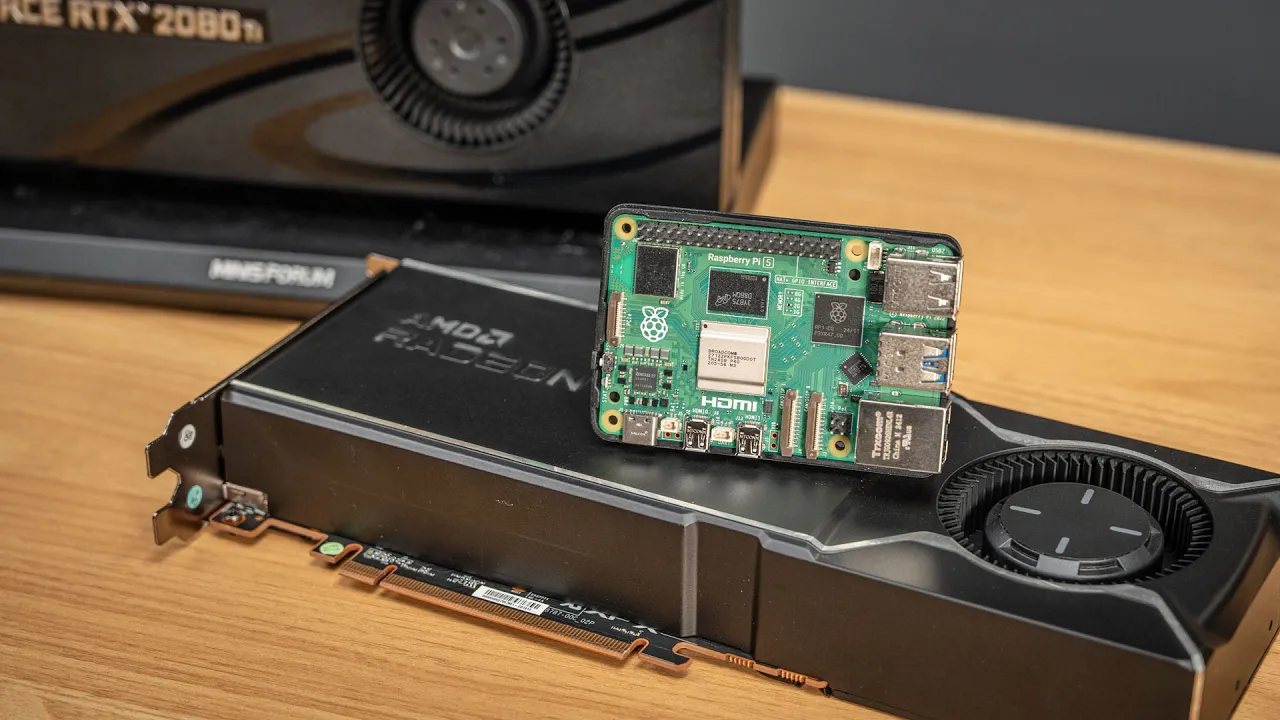
Do you need a whole PC to run a GPU?
 Jeff Geerling
Dec 20, 2025 15:00
Jeff Geerling
Dec 20, 2025 15:00
Create an account to hide videos, mark them watched, or save them to Don't Miss.
Create an account to hide videos, mark them watched, or save them to Don't Miss.
Create an account to hide videos, mark them watched, or save them to Don't Miss.
Chapters
Shop Micro Center Holiday Deals: https://micro.center/e787eb
Check out Micro Center's Other Top Deals: https://micro.center/315b05
Shop Micro Center Bundles: https://micro.center/f7b037
Visit Micro Center News: https://micro.center/9b77f2
Can a Raspberry Pi match the performance of a modern desktop PC when it comes to GPU performance?
Of course not, in a general sense. But there are specific use cases where you'd be surprised by how close the Pi comes, performance-wise. In some cases, the Pi is actually faster!
Resources I mentioned in this video:
- AI Benchmark results and methodology: https://github.com/geerlingguy/ai-benchmarks
- Multi-GPU benchmark results: https://github.com/geerlingguy/ai-benchmarks/issues/44
- Use AMD GPUs on Pi: https://www.jeffgeerling.com/blog/2025/using-amd-gpus-on-raspberry-pi-without-recompiling-linux
- Use Nvidia GPUs on Pi: https://www.jeffgeerling.com/blog/2025/nvidia-graphics-cards-work-on-pi-5-and-rockchip
- Use Intel GPUs on Pi: https://www.jeffgeerling.com/blog/2025/all-intel-gpus-run-on-raspberry-pi-and-risc-v
eGPU Setup (some links are affiliate links):
- Minisforum DEG1 eGPU Dock: https://amzn.to/4s3gUz6
- Micro SATA Cables Oculink to M.2 adapter: https://amzn.to/49dKKcE
- Super Flower 850W PSU: https://www.microcenter.com/product/684393/super-flower-leadex-iii-gold-up-850-watt-80-plus-gold-atx-fully-modular-power-supply-atx-31-compatible
- AMD Radeon AI Pro R9700: https://www.microcenter.com/product/702853/xfx-amd-radeon-ai-pro-r9700-single-fan-32gb-gddr6-pcie-50-graphics-card
Dual GPU Setup (some links are affiliate links):
- chenyang PCIe 4.0 M.2 NGFF to SFF-8643: https://amzn.to/4pyqSqt
- 10Gtek SFF-8644 to SFF-8643 Cable: https://amzn.to/3MKNbup
- Dolphin PCIe HBA MXH932: https://dolphinics.com/products/MXH932.html
- Dolphin 3 slot PCIe Backplane: https://dolphinics.com/products/IBP-G4X16-3.html
HUGE thanks to Patrick from @ServeTheHomeVideo for helping me record at Micro Center in Phoenix :)
Support me on Patreon: https://www.patreon.com/geerlingguy
Sponsor me on GitHub: https://github.com/sponsors/geerlingguy
Merch: https://www.redshirtjeff.com
2nd Channel: https://www.youtube.com/@GeerlingEngineering
3rd Channel: https://www.youtube.com/@Level2Jeff
Contents:
Science & Technology
#pci
#pci express
#gpu
#nvidia
#amd
#intel
#raspberry pi
#pi
#pi 5
#cm5
#compute module
#dolphin
#interconnect
#hba
#backplane
#gen 4
#gen 3
#gen 5
#switch
#linux
#open source
#driver
#kernel
#llama.cpp
#jellyfin
#transcoding
#transcode
#media
#share
#homelab
#dual
#external
#egpu
#minisforum
#psu
#power
#4090
#5090
#a4000
#a5000
#rtx
#radeon
#rocm
#cuda
#llama
#local
#private
#gravitymark
#benchmark
#test
#tested
#signaling
#core
#265k
#asus
#proart
#4070
#3060
#ai
#pro