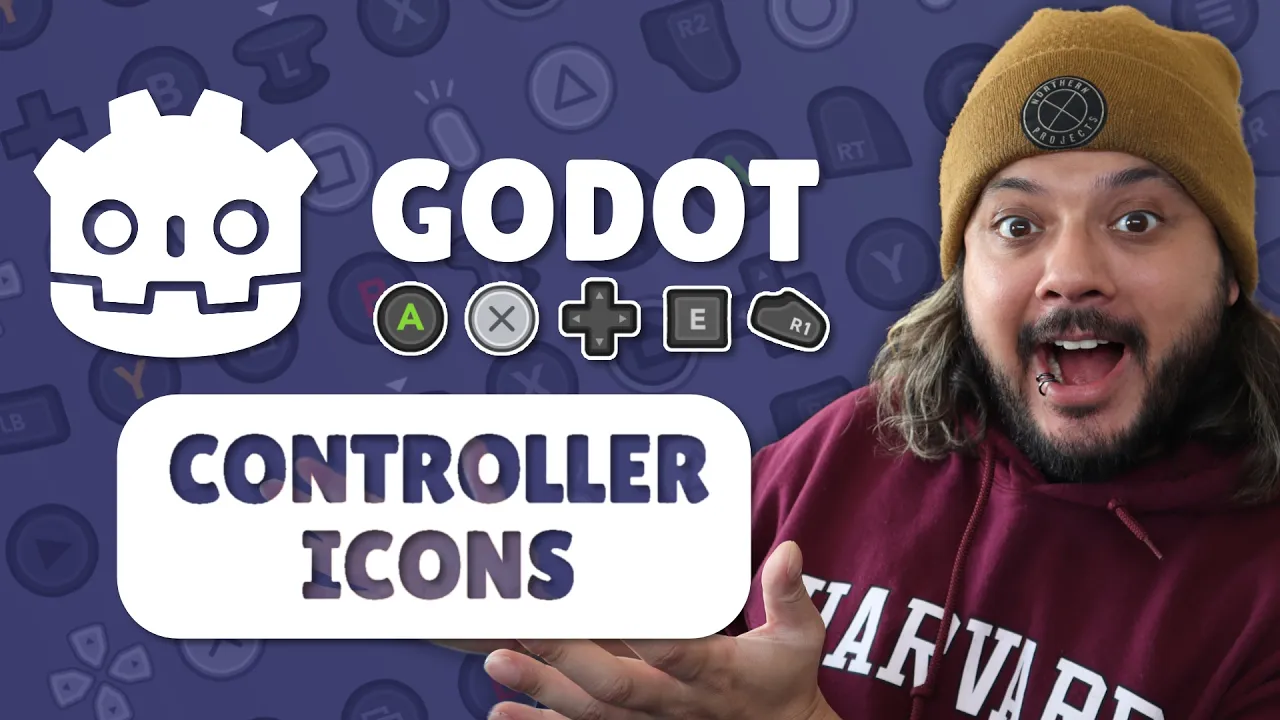
How to get Controller Icon support in Godot in MINUTES 【Solo Devlog】
 Jace Varlet
Mar 14, 2025 15:47
Jace Varlet
Mar 14, 2025 15:47
Create an account to hide videos, mark them watched, or save them to Don't Miss.
Create an account to hide videos, mark them watched, or save them to Don't Miss.
Create an account to hide videos, mark them watched, or save them to Don't Miss.
Chapters
In this video I go over how I added Controller Icon support in Godot in minutes to my game - and how you can too! The solution supports most major controller devices including PS5, Xbox, Switch, and Mouse and Keyboard, as well as hot-swapping controllers at runtime.
rsubtil's Controller Icons Plugin github:
https://github.com/rsubtil/controller_icons
Xelu's free Controller Icons:
https://thoseawesomeguys.com/prompts/
Follow me!
Twitch ► https://twitch.tv/jembawls
Threads ► https://threads.net/jembawls
Instagram ► https://instagram.com/jembawls
TikTok ► https://tiktok.com/@jembawls
Bluesky ► https://bsky.app/profile/jembawls.bsky.social
Twitter ► https://twitter.com/jembawls
Consider supporting the channel by becoming a member!
Join ► https://www.youtube.com/jembawls/join
Catch up on previous livestreams!
Livestream & VODs Channel ► https://www.youtube.com/@jembawlsLIVE
Past Livestreams on this channel ► https://www.youtube.com/@jembawls/streams
Join the discord for community updates and content notifications
Discord ► https://discord.gg/ZDZWw7ecCx
Outro and on-stream music by City Girl
https://city-girl.carrd.co/
Timestamps:
Gaming
#twitch streamer
#twitch
#gameplay
#lgbtq
#gamedev
#game dev
#game development
#devlog
#godot
#controller support
#godot 4
#c#
#programming