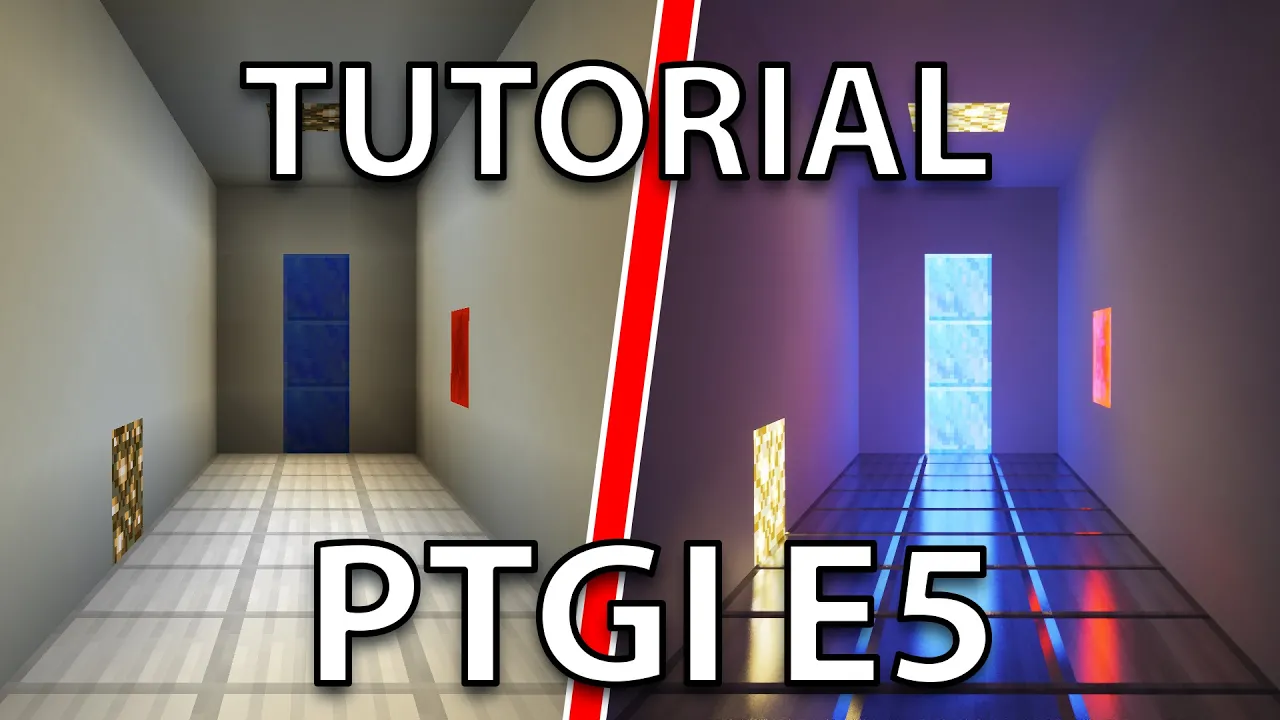
[OUTDATED] How to Install Ray Tracing Shaders in Minecraft (SEUS PTGI E5)
 Halefall
Apr 3, 2019 01:14
Halefall
Apr 3, 2019 01:14
Create an account to hide videos, mark them watched, or save them to Don't Miss.
Create an account to hide videos, mark them watched, or save them to Don't Miss.
Create an account to hide videos, mark them watched, or save them to Don't Miss.
The latest version seems to be compatible with AMD cards, I haven't personally tested it.
I hope this will help with installing the shaders, if you need any help feel free to leave a comment, I'll try my best to help you out. I'm also sometimes active on Sonic Ether's discord server, if you see me there I'll gladly help too.
Sonic Ether's Patreon:
You NEED to support him with at least the gold tier to get access to the shader ($10) https://www.patreon.com/sonicether/
Optifine: https://optifine.net/downloads
Resource Packs:
Default Improved: https://minecraft.curseforge.com/projects/default-improved/files
Vanilla Normals Renewed: https://github.com/Poudingue/Vanilla-Normals-Renewed-1.12
Music:
Y - SHIN - MilK (Y - SHIN Jag Glitch Mix)
litmus* / Ester - Lonely Cat
Gaming
#Minecraft
#ray tracing
#RTX
#SEUS
#PTGI
#Shaders
#Shader
#Minecraft graphics
#Tutorial