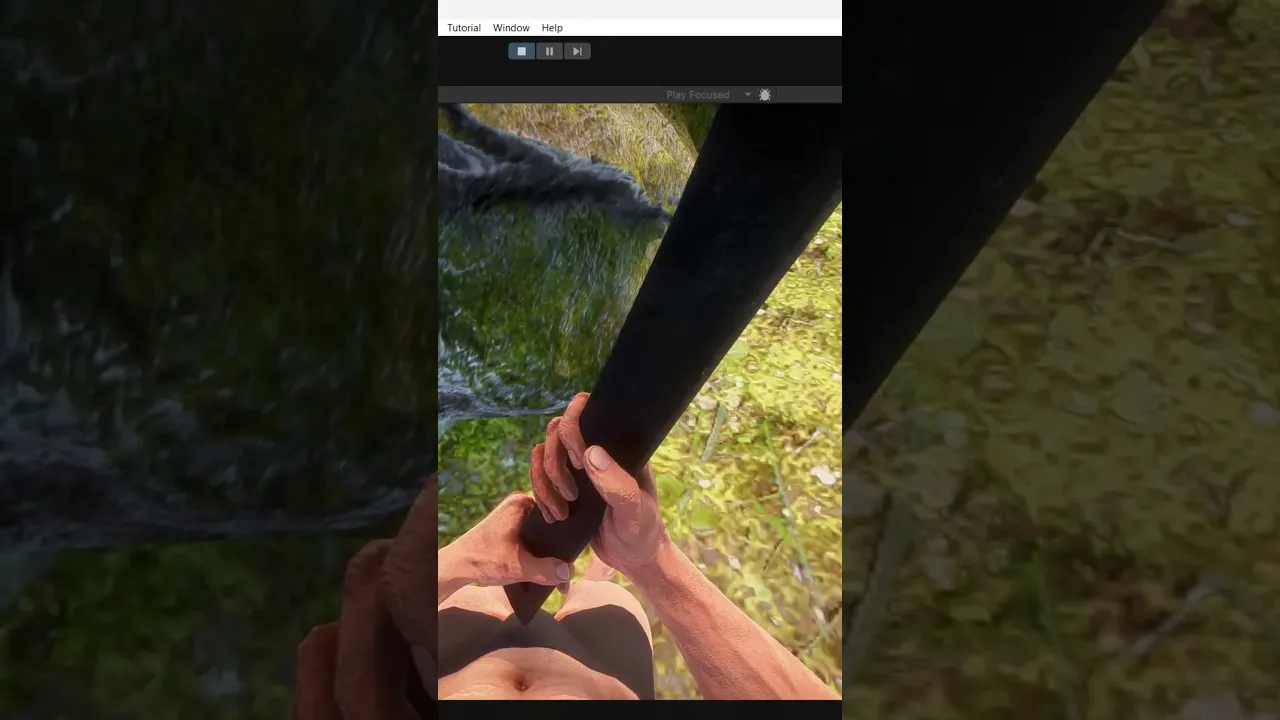
Prevent Clipping issues in first-person with Animations.
 Game Dev Box
Nov 29, 2024 22:29
Game Dev Box
Nov 29, 2024 22:29
Create an account to hide videos, mark them watched, or save them to Don't Miss.
Create an account to hide videos, mark them watched, or save them to Don't Miss.
Create an account to hide videos, mark them watched, or save them to Don't Miss.
A common issue game developers face is clipping.
You’ve probably seen this in games where weapons like guns or axes pass through walls, doors, rocks, or other objects. It’s a common problem, even in AAA games. The most popular solution is to render weapons or objects on top of everything else, which works well enough and for most players won't notice. However, it’s not ideal in first-person games where the camera basically can't move as the third person can.
I decided to tackle this differently and create a new (well, not entirely new) approach. In my solution, whenever an object like an axe hits another object, it immediately backs off to prevent clipping.
How does it work?
The system revolves around the three animation stages: Start, Break, and End.
Start: The animation begins (the axe swings down near the legs).
Break: If a collision is detected using raycasting during the swing, the animation transitions to this stage. The break animation essentially interrupts the motion and smoothly transitions back.
End: The final stage, where the object resets to its original pose. (If break didn't play)
To achieve this, you’ll need to carefully control how animation frames are rendered. For instance, in the script, you can calculate the normalized time of the animation and reverse it when transitioning to the break stage. This way, collisions feel natural and eliminate clipping entirely.
Education
#Education
#GolomOder
#Learn
#game developer
#Unity
#C#
#Clipping Issues
#GameDevBox
#Indie game developer
#Indie games
#Indie
#clipping issues unity
#first person unity
#unity animations
#prevent clipping issues unity
#unity 3d
#fps unity