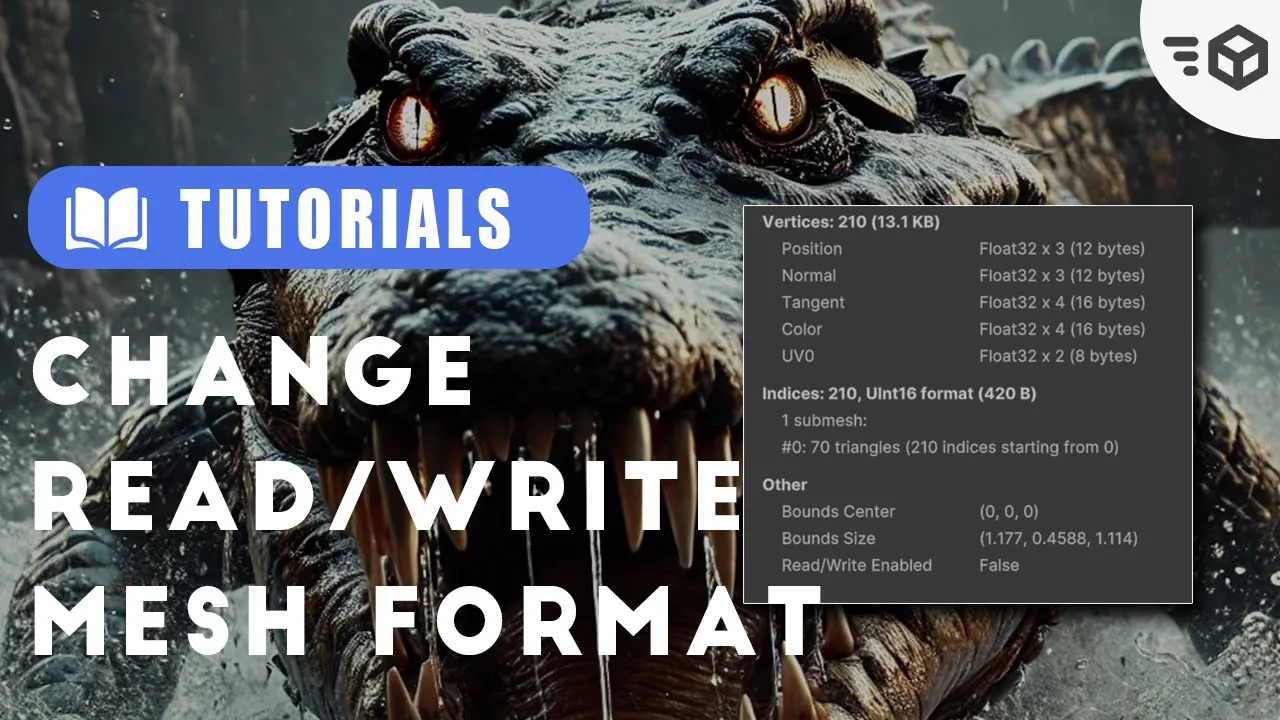
How To Change Read/Write For Mesh Assets Format
 Game Dev Box
Nov 1, 2024 19:01
Game Dev Box
Nov 1, 2024 19:01
Create an account to hide videos, mark them watched, or save them to Don't Miss.
Create an account to hide videos, mark them watched, or save them to Don't Miss.
Create an account to hide videos, mark them watched, or save them to Don't Miss.
if you have assets that generate meshes through code, the 'Read/Write' option is often turned on by default. and there’s no built-in option to change it easily. changing the mesh read and write to false will help the memory usage.
✅heartingNinja - Modify Read Write Models: https://github.com/heartingNinja/Modify-Read-Write-Models/tree/main
🎮 Level up your game development journey with my affiliate links:
🎁Unity Plus:
https://prf.hn/click/camref:1100l3X43b/destination:https%3A%2F%2Fstore.unity.com%2Fproducts%2Funity-plus
🎁Unity Pro:
https://prf.hn/click/camref:1100l3X43b/destination:https%3A%2F%2Fstore.unity.com%2Fproducts%2Funity-pro
🎁Unity Learn Premium:
https://prf.hn/click/camref:1100l3X43b/destination:https%3A%2F%2Funity.com%2Flearn-premium
🎁Unity Partner Courses:
https://prf.hn/click/camref:1100l3X43b/destination:https%3A%2F%2Funity.com%2Flearn%2Fpartner-courses
💡Support the channel while boosting your skills!
🔥Simple UI/Background Blur Effect HDRP - Unity 6: https://youtu.be/Os_z0DvbkEc
🔥Generate Privacy Policy and Terms and Conditions for your apps and games: https://youtu.be/Szj18g3fb74
🔥4 Things I Avoid in My Game as a Solo Developer: https://youtu.be/QpdC-ZePUnU
🔥Extensive 4-Hour Game development with Unity Engine -Beginner + 70 Tools Features and Tips 2024 FREE: https://youtu.be/yEjwUSQb0YA
🔥Custom LOD Cross Fade Dithering Unity3D All Pipelines - Shader Graph And Amplify Shader + Speed Tree: https://youtu.be/yPENEcpi5Ew
🔥Use Depth Mask to Hide Objects in Unity - URP & Built-in:
https://youtu.be/iu6Do4nU1xw
😺Follow me on other Social Media:
• X:
https://x.com/ArianKhatiban
• Instagram:
https://www.instagram.com/arian.khatiban
• LinkedIn:
https://www.linkedin.com/in/arian-khatiban-49b30017a/
• Discord Server:
https://discord.gg/8hpGqBgXmz
• itch.io:
https://cloudtears.itch.io/
• Youtube Subscribe:
https://www.youtube.com/channel/UCgXs2PTiL19Rv1qOn1SI7XQ?sub_confirmation=1
If you have any questions post them in the comments and I'll do my best to answer them 🙌
#tutorial #unitydevelopment #gamedevelopment #gamedevbox #unity3d
Education
#Eduction
#Golomoder
#GameDevBox
#Unity
#Unity6
#How To Change Read/Write For Mesh Assets Format
#Change Read Write
#Unity Optimiztion
#memory usage
#Read and Write unity
#unity meshes
#Unity custom mesh
#Unity3d
#unity2d
#Unity Assets Format
#Unity5
#GameDeveloper
#unitytips
#unity tips and tricks
#unity tips
#unity engine
#unity memory
#unity asset manager
#unity assets
#Developer
#devlog
#devlogs
#unity gem
#unity 3d
#game development
#game development for beginners