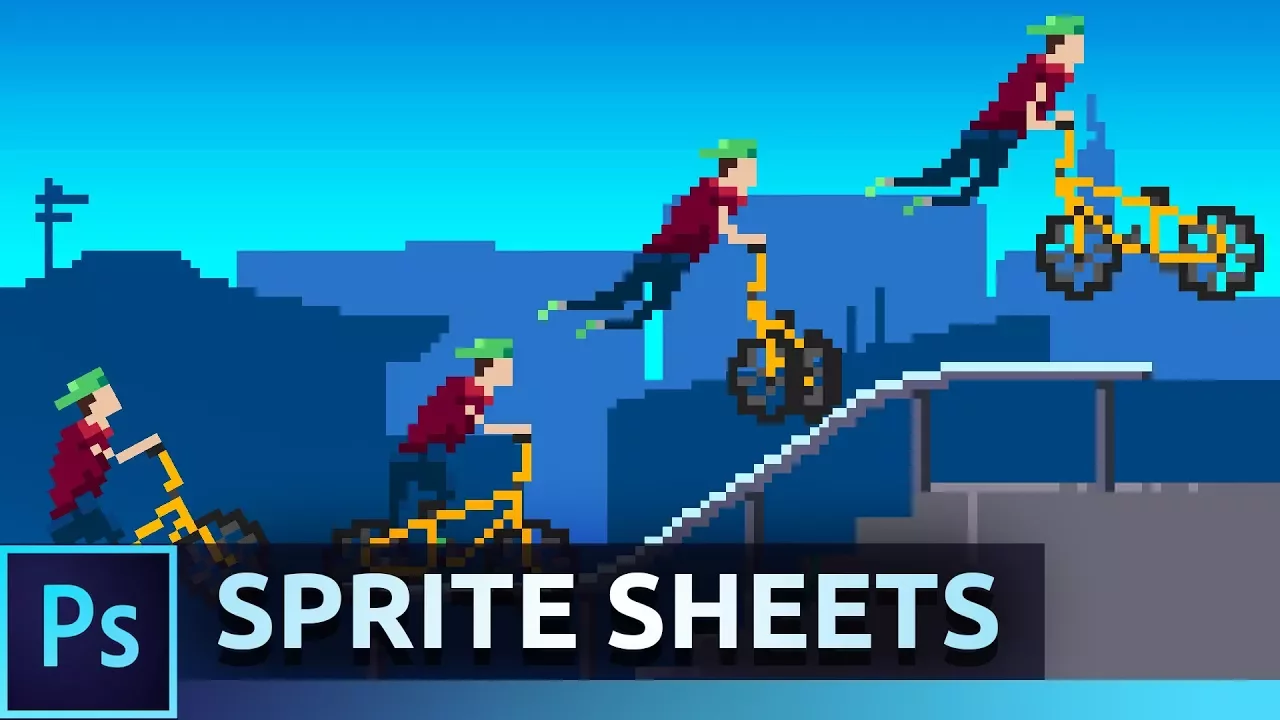
Animate Pixel Art Sprites | Photoshop Tutorial
 Flow Studio
Oct 5, 2017 21:00
Flow Studio
Oct 5, 2017 21:00
Create an account to hide videos, mark them watched, or save them to Don't Miss.
Create an account to hide videos, mark them watched, or save them to Don't Miss.
Create an account to hide videos, mark them watched, or save them to Don't Miss.
Learn how to create pixel art characters and animate them into sprite sheets!
Order Graphics: https://www.curvcreative.agency/contact
Spritesheet Generator: https://curvcreative.com/downloads/spritesheet-generator/
Instagram : https://instagram.com/julianball
Twitter : https://twitter.com/JulianJBall
My Website : https://julianball.com
My 60k Graphics Pack: https://youtu.be/APwqtB5KPlo
My 50k Graphics Pack: https://youtu.be/hfzQYSUAlEM
My 30k Graphics Pack : https://youtu.be/e-9R24zTDss
My 20K Banner Templates : https://youtu.be/zTe6EsVDSYE
My 15K Graphics Pack : https://youtu.be/LwGILGvTyws
My 10k Graphics Pack : https://youtu.be/NRsZpvIW7ns
Behance : http://www.behance.net/FlowGraphics
Creative Station : http://www.youtube.com/CreativeStation
Julian Ball / Flow Graphics
Howto & Style
#Flow
#Graphics
#JulianBall
#Julian
#Ball
#Design
#Speed-art
#Tutorial
#Speedart
#Photoshop
#Illustrator
#C4D
#speedart
#giveaway
#gfx
#branding
#logo
#design
#graphic
#graphicdesign
#youtube
#banner
#art
#digital
#vlog
#video
#film
#australia
#Adobe
#Creative
#sprite
#animation
#sprite sheet
#pixel art