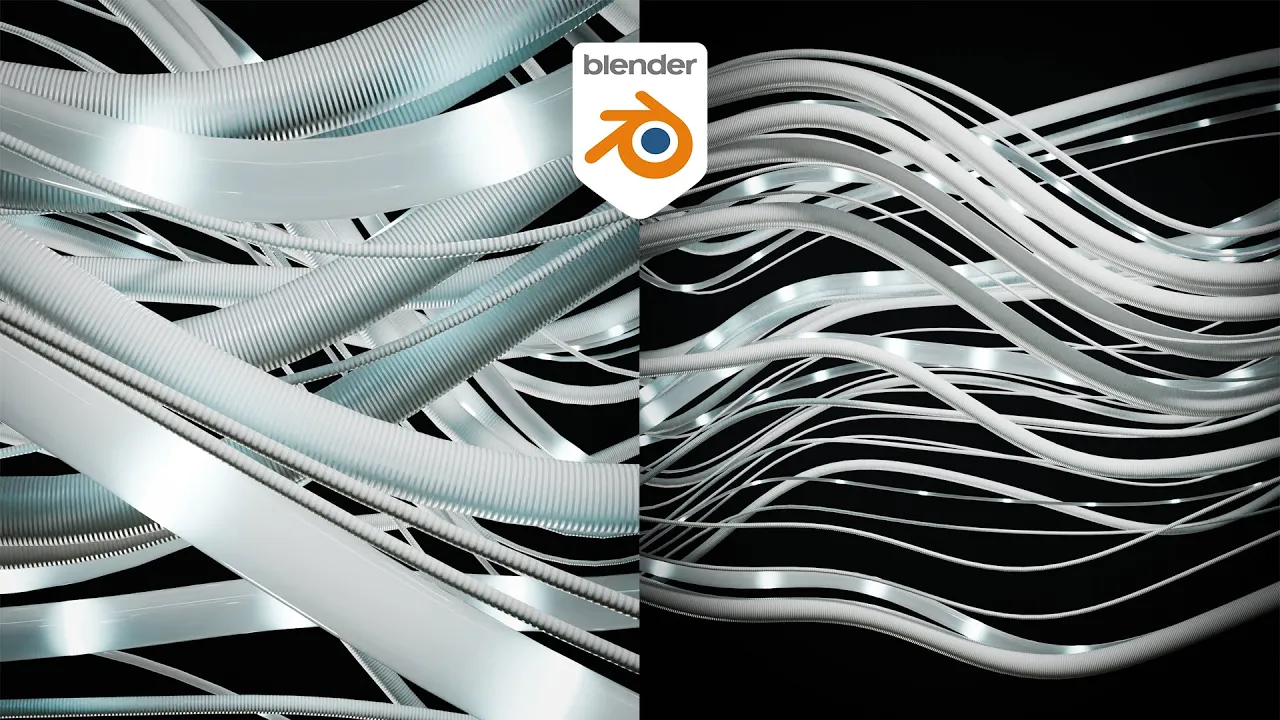
The New Way to Simulate Animated Wires in Blender!
 Ducky 3D
Jul 18, 2024 16:00
Ducky 3D
Jul 18, 2024 16:00
Create an account to hide videos, mark them watched, or save them to Don't Miss.
Create an account to hide videos, mark them watched, or save them to Don't Miss.
Create an account to hide videos, mark them watched, or save them to Don't Miss.
no simulations nodes, no baking, no force fields! In this tutorial I will show you a new way to animate wires and chords in blender using geometry nodes! When it comes to making motion graphics, you will want to make some moving wires and this way will not only take less time to render, but less time to build.
----------------------------------------------
Patreon - https://patreon.com/user?u=9011118&utm_medium=clipboard_copy&utm_source=copyLink&utm_campaign=creatorshare_creator&utm_content=join_link
-----------------------------------------------
My Motion Graphics Course - https://blendermarket.com/products/intro-to-motion-graphics-blender-course
-----------------------------------------------
🌐 Connect with me:
- Instagram: https://www.instagram.com/ducky3d/
- Twitter: https://twitter.com/Ducky3d
Education
#blender tutorial
#blender
#blender tutorial for beginners
#blender beginner tutorial
#blender 3d
#blender guru
#tutorial
#best blender tutorial
#how to use blender
#3d modeling
#blender beginner
#blender beginners
#motion graphics
#beginner blender tutorials
#blender motion graphics
#blender motion graphics tutorial
#easy blender tutorials
#blender animation
#blender for beginners
#3d animation
#eevee
#blender animation tutorial
#how to
#rendering
#logo animation