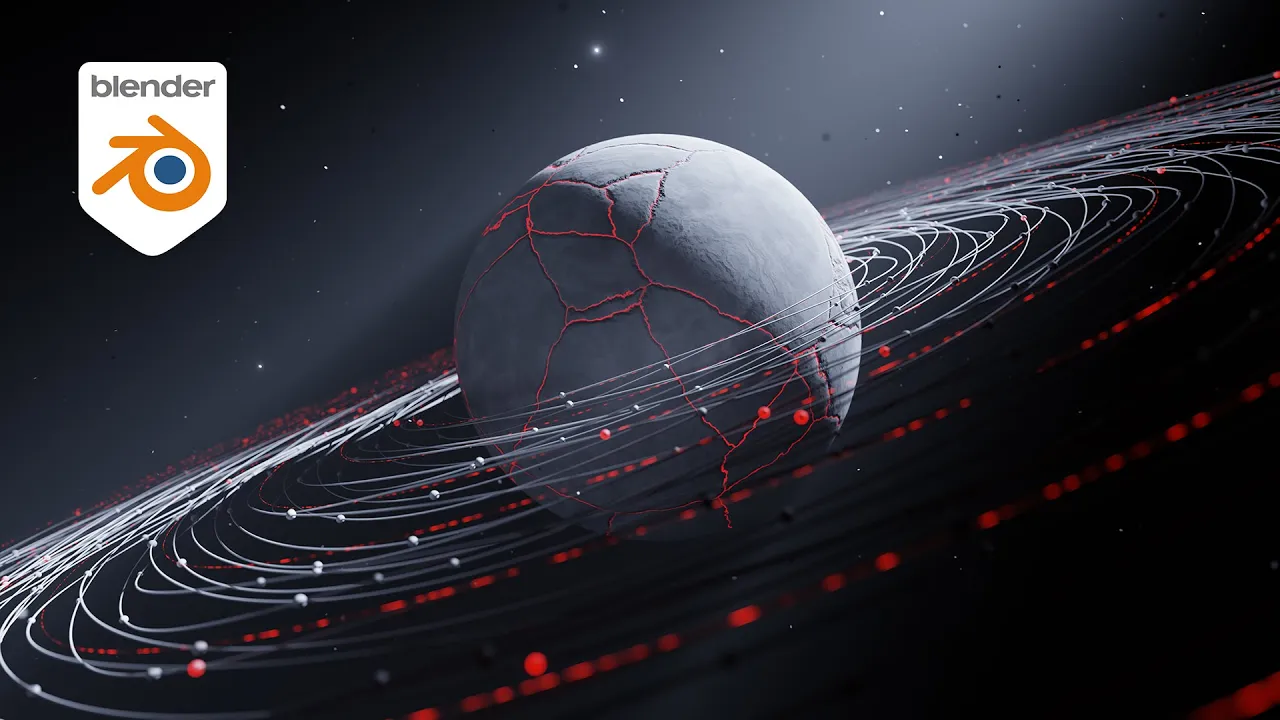
Making A Realistic Planet Animation in Blender (Beginner Tutorial)
 Ducky 3D
Feb 18, 2025 17:00
Ducky 3D
Feb 18, 2025 17:00
Create an account to hide videos, mark them watched, or save them to Don't Miss.
Create an account to hide videos, mark them watched, or save them to Don't Miss.
Create an account to hide videos, mark them watched, or save them to Don't Miss.
In this #blender #tutorial we will be making a realistic planet animation. There will four sections in this video. First we need to build out the rings that animate with textures and that have random objects attached to the curve. Then building a particle system that will animate in a loop and reflect the light in the scene. the nest section is shading everything. The planet material uses a few textures to get tons of detail and make some cracks with light coming from them. lastly we need to add a light and composite some glow in the scene.
-----------------------------
Patreon - https://patreon.com/user?u=9011118&utm_medium=clipboard_copy&utm_source=copyLink&utm_campaign=creatorshare_creator&utm_content=join_link
-----------------------------------------------
My Courses - https://blendermarket.com/creators/ducky3d
-----------------------------------------------
🌐 Connect with me:
- Instagram: https://www.instagram.com/ducky3d/
- Twitter: https://twitter.com/Ducky3d
Education