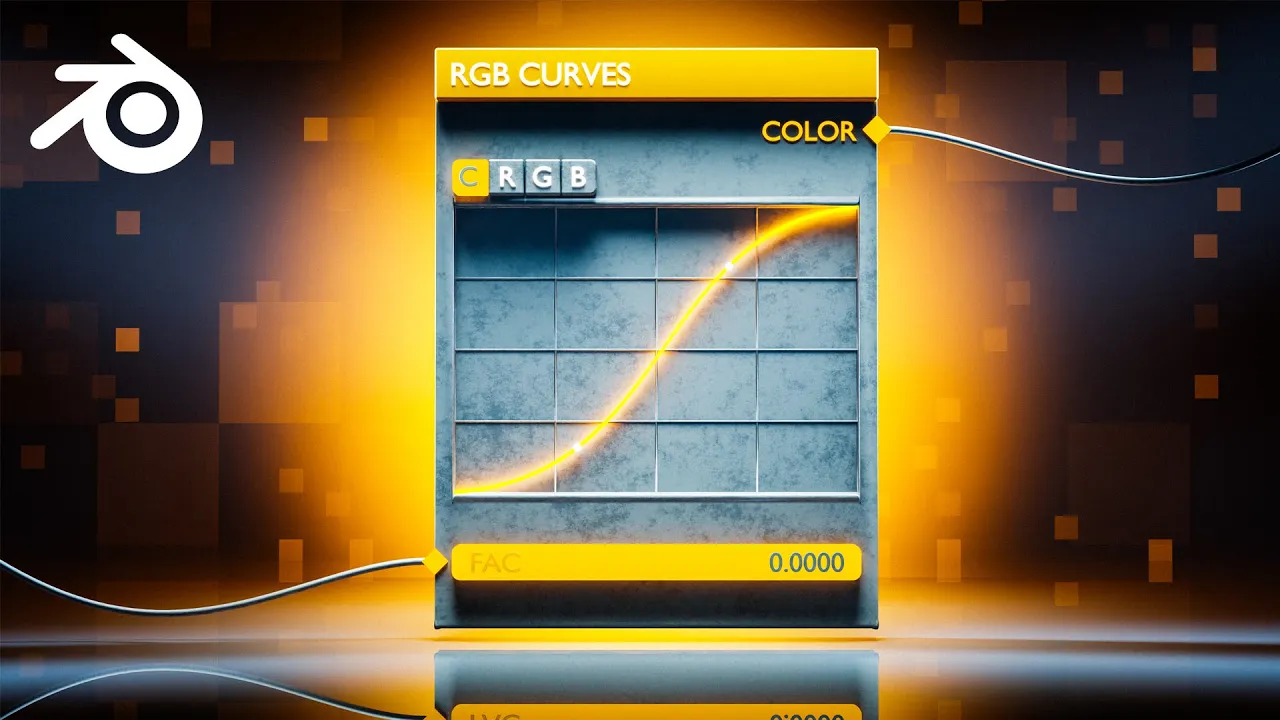
I Love the RGB Curves node in Blender 4.2
 Ducky 3D
Sep 28, 2024 16:00
Ducky 3D
Sep 28, 2024 16:00
Create an account to hide videos, mark them watched, or save them to Don't Miss.
Create an account to hide videos, mark them watched, or save them to Don't Miss.
Create an account to hide videos, mark them watched, or save them to Don't Miss.
In this video, I will show you how the RGB curve node helps you control the behavior of objects in geometry nodes. This is a very powerful tool to use in your motion graphics in blender. Geometry nodes doesn’t always offer you the easiest solutions, but this trick will make your life much easier. When you’re dealing with key framing movements, most of the time you can edit them in the graph editor and change their interpolation. But sometimes animations are created using values rather than key frames. Which creates a problem when it comes to editing the interpellation of the movements. But this trick will help solve that problem. #geometrynodes #motiongraphics #blender3d
----------------------------------------------
Patreon - https://patreon.com/user?u=9011118&utm_medium=clipboard_copy&utm_source=copyLink&utm_campaign=creatorshare_creator&utm_content=join_link
-----------------------------------------------
My Motion Graphics Course - https://blendermarket.com/products/intro-to-motion-graphics-blender-course
-----------------------------------------------
🌐 Connect with me:
- Instagram: https://www.instagram.com/ducky3d/
- Twitter: https://twitter.com/Ducky3d
Education