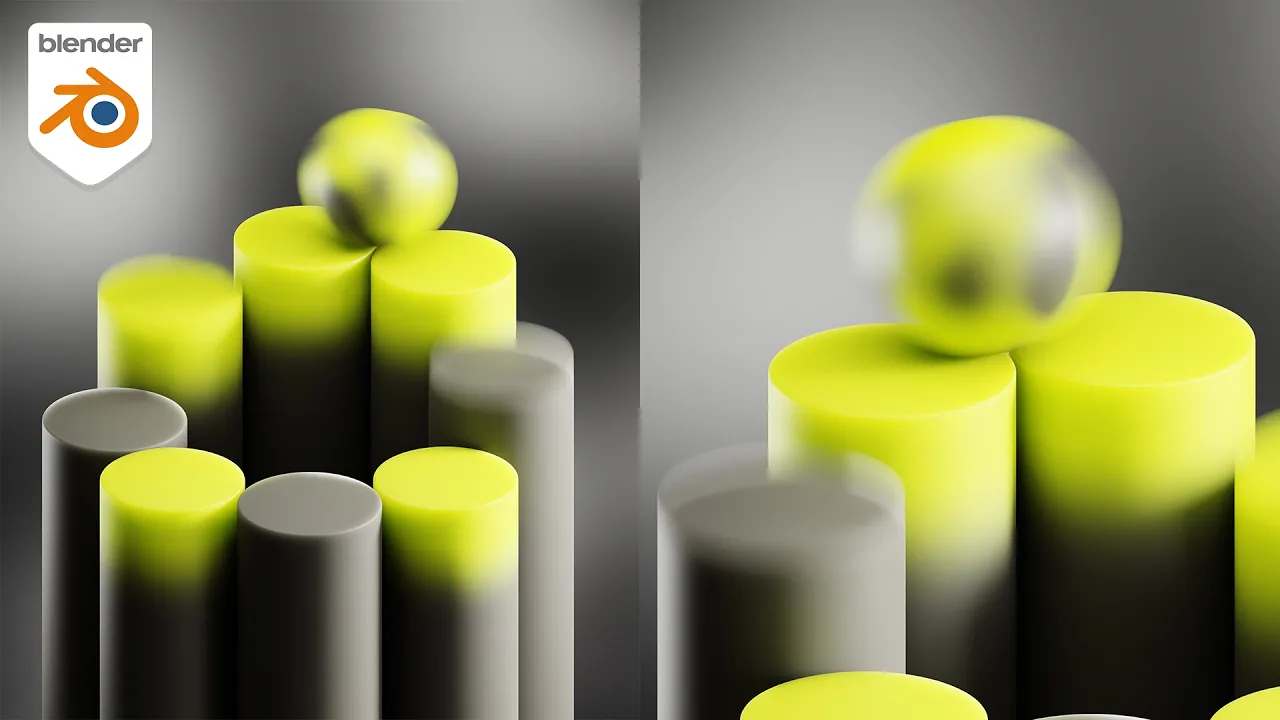
Geometry Proximity Loop made in Geometry Nodes (tutorial)
 Ducky 3D
Sep 24, 2024 16:00
Ducky 3D
Sep 24, 2024 16:00
Create an account to hide videos, mark them watched, or save them to Don't Miss.
Create an account to hide videos, mark them watched, or save them to Don't Miss.
Create an account to hide videos, mark them watched, or save them to Don't Miss.
In this Blender tutorial we will be using geometry nodes to make a kinetic animation. We will be using proximity to get all the objects to connect together and making sure this animation loop. this is a perfect animation to learn some useful motion graphics tools and techniques
----------------------------------------------
Patreon - https://patreon.com/user?u=9011118&utm_medium=clipboard_copy&utm_source=copyLink&utm_campaign=creatorshare_creator&utm_content=join_link
-----------------------------------------------
My Motion Graphics Course - https://blendermarket.com/products/intro-to-motion-graphics-blender-course
-----------------------------------------------
🌐 Connect with me:
- Instagram: https://www.instagram.com/ducky3d/
- Twitter: https://twitter.com/Ducky3d
Education