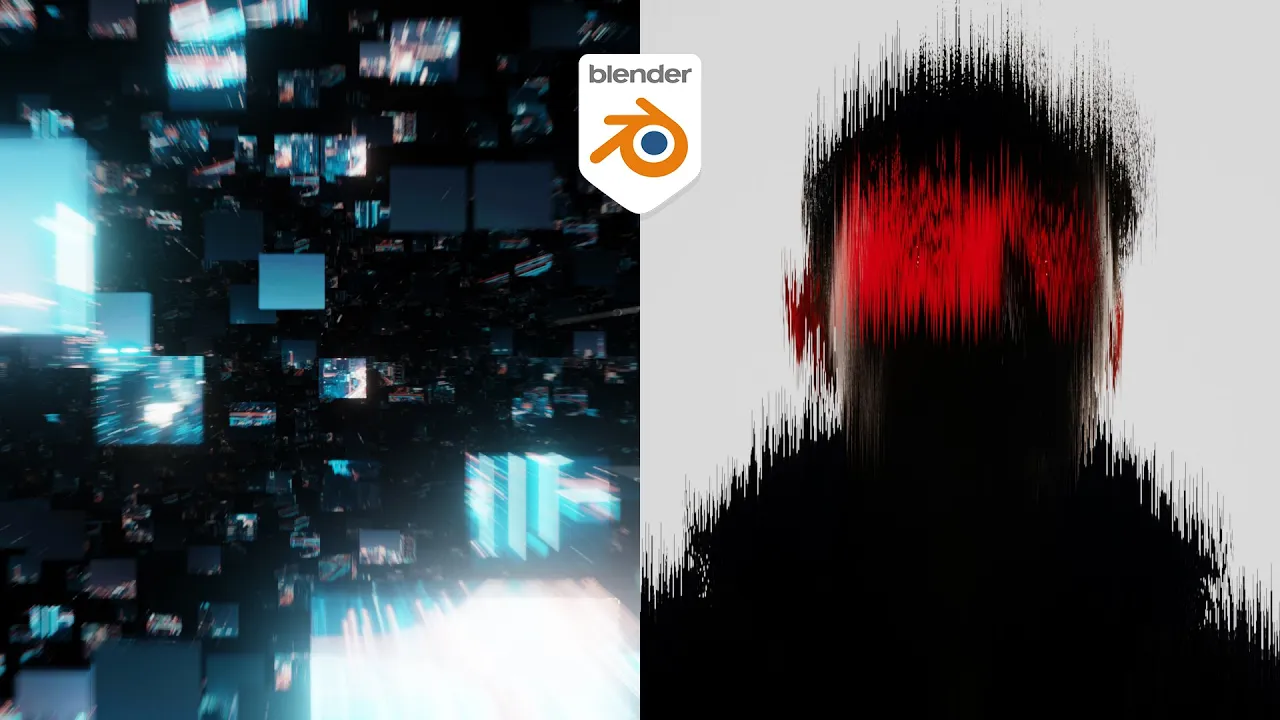
Animate Images in Blender Like After Effects
 Ducky 3D
Dec 24, 2025 17:00
Ducky 3D
Dec 24, 2025 17:00
Create an account to hide videos, mark them watched, or save them to Don't Miss.
Create an account to hide videos, mark them watched, or save them to Don't Miss.
Create an account to hide videos, mark them watched, or save them to Don't Miss.
In this blender tutorial we will be displacing images in blender based on the geometry that they’re placed on. We are re-creating effects similar to what you would see in after effects or Photoshop directly inside of Blender
These tutorials are part of a new series where we are looking at using blender like it is Photoshop or after effects. Putting images, logos, and text to make interesting effects. In a way replacing the need for some of those affects being done in Adobe tools
----------------------------------
Full Playlist - https://youtube.com/playlist?list=PLNShHVjao84eegroP3Npt-94ZGgnwA4ur&si=UOvw8rV7ZcovfISL
----------------------------------
20% off an annual Membership here
Patreon - https://patreon.com/user?u=9011118&utm_medium=clipboard_copy&utm_source=copyLink&utm_campaign=creatorshare_creator&utm_content=join_link
-----------------------------------------------
🌐 Connect with me:
- Instagram: https://www.instagram.com/ducky3d/
- Twitter: https://twitter.com/Ducky3d
Education