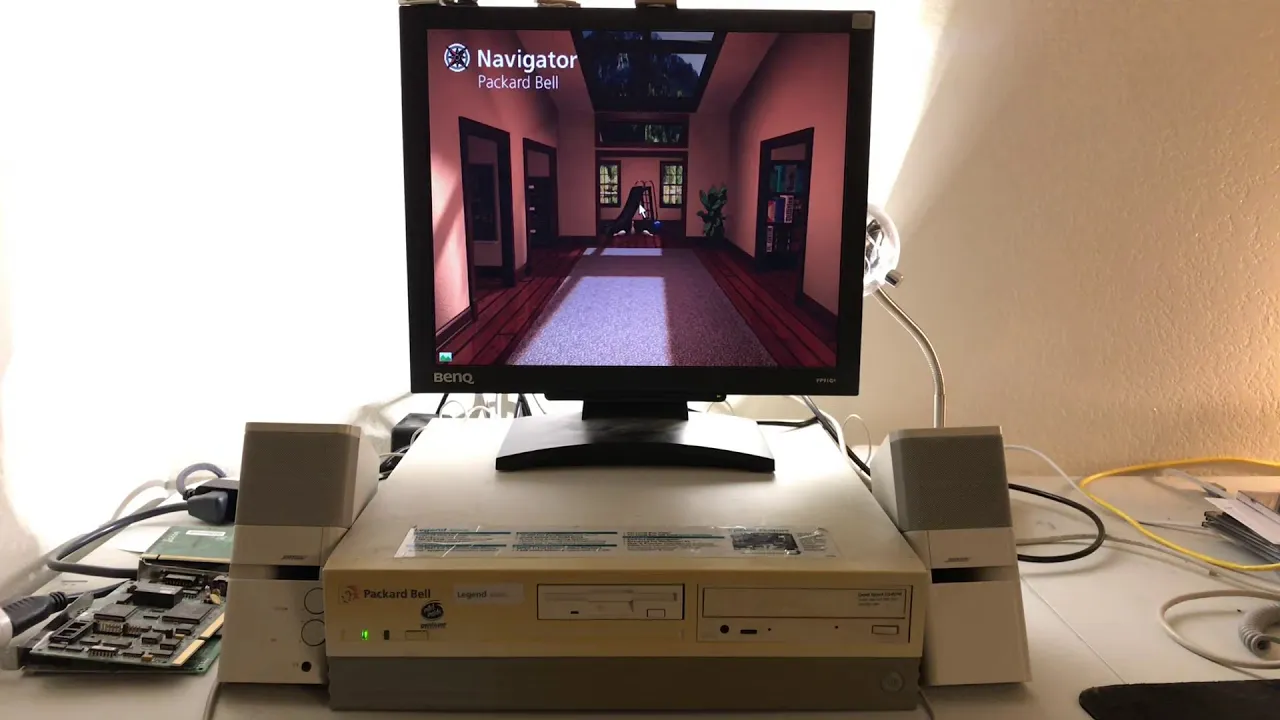
The Year-Long Packard Bell Factory Restore
 Druaga1
May 23, 2021 18:27
Druaga1
May 23, 2021 18:27
Create an account to hide videos, mark them watched, or save them to Don't Miss.
Create an account to hide videos, mark them watched, or save them to Don't Miss.
Create an account to hide videos, mark them watched, or save them to Don't Miss.
Almost a year of procrastination, dozens of video editor crashes, frustration, problems, making the same mistake over and over, struggling with audio issues, being generally disinterested, and an entire second editing pass is what brings this video to you today.
As you can see by the onscreen dates, this was done over the course of the P4|\|D3M1C and you can probably tell that I'm less with it than normal. Also I wasn't really THAT excited about the project after navigator didn't work initially so I gave up on it several times.
Actual solution wasn't even hard lmao, but the editing took it out of me.
Packard Bell 170210 disk (use install code GENERIC):
https://archive.org/details/packardbellmulti-mediamastercd170210rev.4.0february1995
Emulated Packard bell in DosBox(playable in browser):
https://archive.org/details/packardbelllegend10cd
32 bit SkiFree (Windows 10 compatible):
https://archive.org/details/SkiFree_1020
End song:
https://www.youtube.com/watch?v=fjmcSpPMeSM
Finally, I have an Instagram! https://youtu.be/6uWmkqEZqDs
Science & Technology
#packard bell
#ms-dos
#6.22
#windows
#3.11
#factory reset
#factory restore