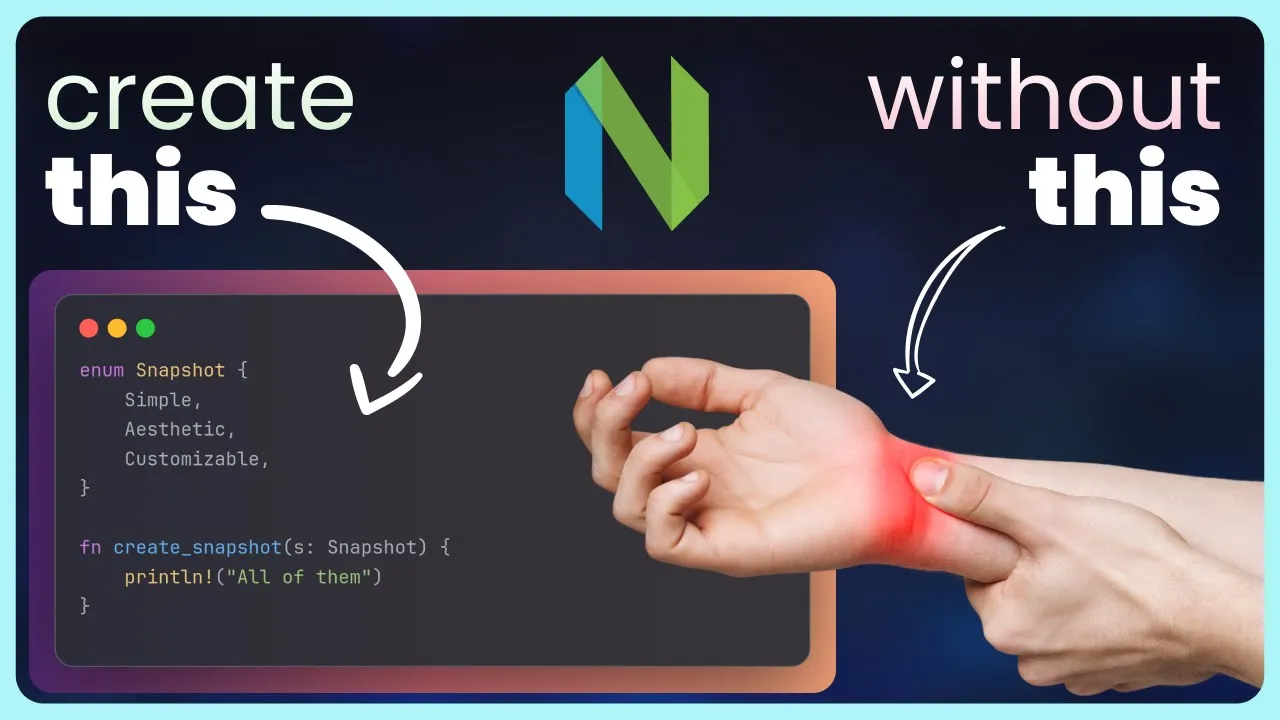
Create beautiful code screenshots in Neovim. Without damaging your wrists.
 Dreams of Code
Feb 29, 2024 12:00
Dreams of Code
Feb 29, 2024 12:00
Create an account to hide videos, mark them watched, or save them to Don't Miss.
Create an account to hide videos, mark them watched, or save them to Don't Miss.
Create an account to hide videos, mark them watched, or save them to Don't Miss.
No wrists were harmed in the making of this video.
Sharing code is one of the best things about writing it, however, screenshots usually suck. Fortunately for us, there are a number of tools out there to create aesthetic pictures of our code, unfortunately for our wrists, however, they're all rather mouse heavy.
That's where these three neovim plugins come in, which can help us turn this mouse heavy experience, into a much more neovim friendly one.
Video Links:
DreamNvim: https://github.com/dreamsofcode-io/DreamNvim
carbon-now.nvim: https://github.com/ellisonleao/carbon-now.nvim
codesnap.nvim: https://github.com/mistricky/codesnap.nvim
nvim-silicon: https://github.com/michaelrommel/nvim-silicon
wallpaper: https://www.freepik.com/free-ai-image/mythical-dragon-beast-anime-style_133761456.htm
Become a better developer in 4 minutes: https://bit.ly/45C7a29 👈
Join this channel to get access to perks:
https://www.youtube.com/channel/UCWQaM7SpSECp9FELz-cHzuQ/join
Join Discord: https://discord.com/invite/eMjRTvscyt
Join Twitter: https://twitter.com/dreamsofcode_io
Science & Technology