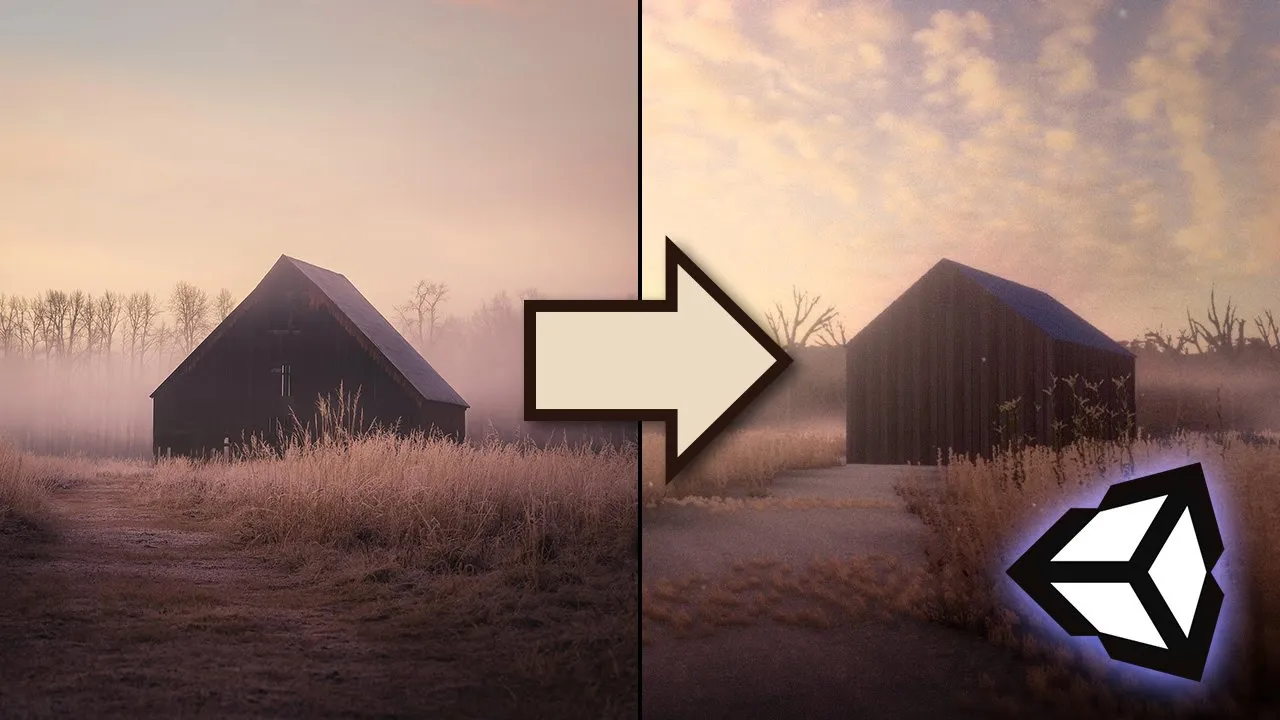
Recreate a gorgeous, atmospheric photo in Unity 2019.3
 David Wehle
Apr 1, 2020 19:34
David Wehle
Apr 1, 2020 19:34
Create an account to hide videos, mark them watched, or save them to Don't Miss.
Create an account to hide videos, mark them watched, or save them to Don't Miss.
Create an account to hide videos, mark them watched, or save them to Don't Miss.
Let's create a striking, cinematic scene in Unity with the new Terrain Editor, volumetric light plugin Aura 2, and the Post Processing stack!
Download the free Game Dev Unlocked asset pack: https://www.gamedevunlocked.com
Follow me on Twitter: https://twitter.com/DavidWehle
Follow Kyle on Instagram: https://www.instagram.com/kyle.quack
Aura 2 Volumetric Light for Unity: https://bit.ly/2UAiafb
HQ Abandoned School asset pack: https://bit.ly/2X11fnC
Free shed on Turbosquid: https://www.turbosquid.com/3d-models/free-3ds-mode-shed-hq-rustic/968592
Free tree texture: https://www.textures.com/download/trees0005/28702
(This description contains referral links)
Education
#create beautiful environments
#cinematic unity
#volumetric light in unity
#unity graphics 2020
#unity 2019.3
#unity3d terrain
#unity3d tutorial
#unity barn tutorial
#realistic graphics unity
#barn at dusk
#beautiful graphics unity