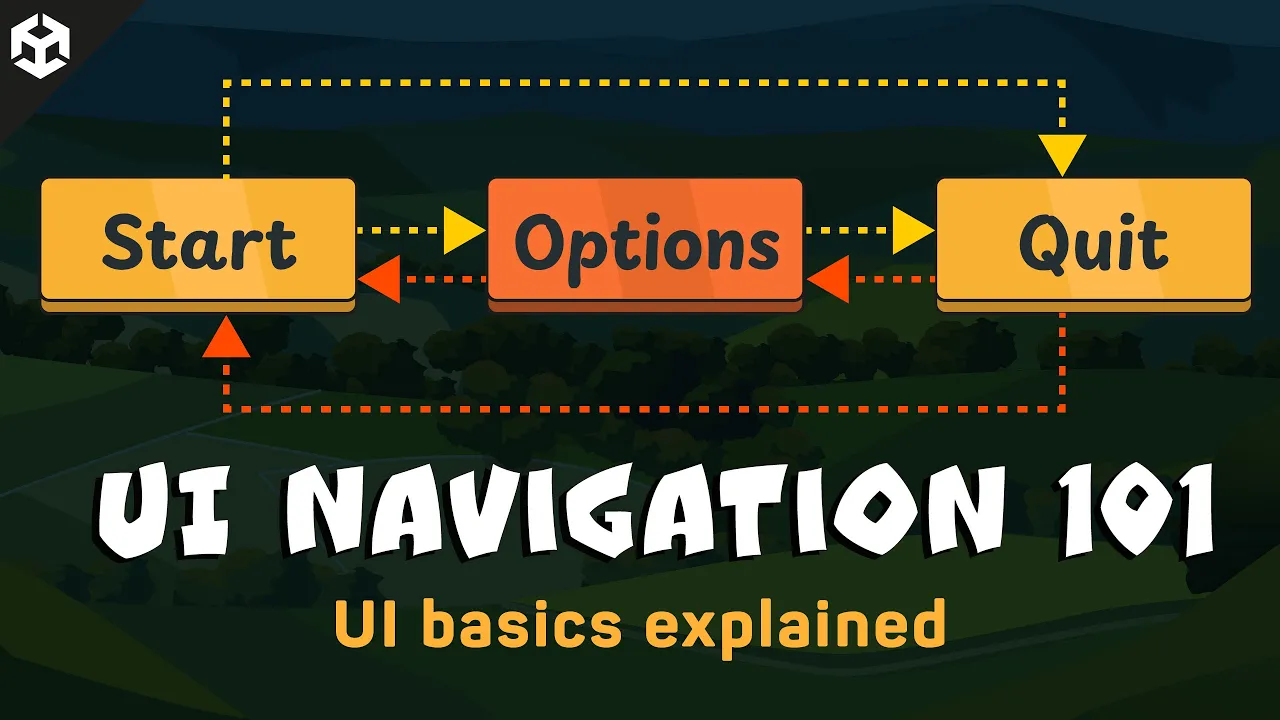
Setup your UI for navigation and use with keyboard and controller in Unity
 Christina Creates Games
Feb 10, 2025 14:01
Christina Creates Games
Feb 10, 2025 14:01
Create an account to hide videos, mark them watched, or save them to Don't Miss.
Create an account to hide videos, mark them watched, or save them to Don't Miss.
Create an account to hide videos, mark them watched, or save them to Don't Miss.
Chapters
In this tutorial, you will learn how to set up a UI Navigation by keyboard and gamepad in Unity. You'll see how to configure the Event System, adjust automatic versus explicit navigation and add simple code in case you want to constrain the user to certain menu parts or pick the next element to select when the player presses a button. Whether you're organizing a basic main menu or a more complex system, this step-by-step guide shows you how to create a user interface that behaves exactly as intended.
This tutorial is all about creating a functional UI your users can navigate by keyboard or controller. It covers:
- The built-in Unity navigation system
- Setting up an initial gameobject to highlight
- Working with selectables
- How to make a menu circle around
- Working with explicit navigation vs automatic navigation
- Pitfalls of automatic navigation
- How to set an element to select by code
- How to constrain a user to one menu/part of the UI
- How to prevent de-selecting elements
Hope you'll enjoy it!
📖 Github
Find my scripts here: https://github.com/Maraakis/ChristinaCreatesGames/tree/main/UI%20Navigation
📖 Chapters
📁 Get the PDF Version of my tutorials
Would you rather read a book? I have a collection of eBooks on the Unity UGUI System here:
📘 Itch: https://christinacreatesgames.itch.io/
💬 Join the Discord
You are very welcome to join https://discord.gg/8pDT2J2TBX !
🎮 Play My Games
🎲 https://christinacreatesgames.itch.io
🛍️ Recommended Assets
https://assetstore.unity.com/lists/highly-recommended-9071944798250?aid=1101lr4hF [affiliate]
📖 List of books all around Gamedev and Design I recommend: https://www.christinacreatesgames.com/bookshelf
Otherwise, using my affiliate codes for these stores helps to support my channel:
🛒 Unity Asset Store: https://assetstore.unity.com/?aid=1101lr4hF [affiliate]
🏪 Synty Store: https://syntystore.com/christinacreatesgames [affiliate]
🪸 Envato Elements: https://1.envato.market/ChristinaCreatesGames [affiliate]
🔖Humble Bundle: https://humblebundleinc.sjv.io/xLGLNR [affiliate]
🌟 Actionable UI Feedback for Your Game
I offer UI consulting for gamedev projects! With 15+ years of design experience and a background of a teacher, I’m here to help:
👉 Learn more: https://www.vennegerts.com/en/gamedevelopment-consulting/
☕ Support Me on Ko-fi
If you enjoy the content and want to support my work:
💛 Buy me a cocoa: https://ko-fi.com/christinacreatesgames
#unitytutorial #unity3d #gamedev #indiedev
Science & Technology
#Unity UI Navigation
#Unity UI
#Unity UI Tutorial
#Unity UI Navigation keyboard
#Unity UI Navigation gamepad
#Unity ui navigation with controller
#Unity UI keyboard navigation
#Unity ui gamepad navigation
#Unity tutorial for beginners
#Simple Unity Tutorial
#Unity step by step
#Christina Creates Games
#Unity Button tutorial
#Unity menu tutorial
#Unity start menu
#Unity main menu
#Unity Options menu