Create a Squash and Stretch effect in Unity with code (2D, 3D, UI)
 Christina Creates Games
Oct 17, 2023 13:45
Christina Creates Games
Oct 17, 2023 13:45
Create an account to hide videos, mark them watched, or save them to Don't Miss.
Create an account to hide videos, mark them watched, or save them to Don't Miss.
Create an account to hide videos, mark them watched, or save them to Don't Miss.
Chapters
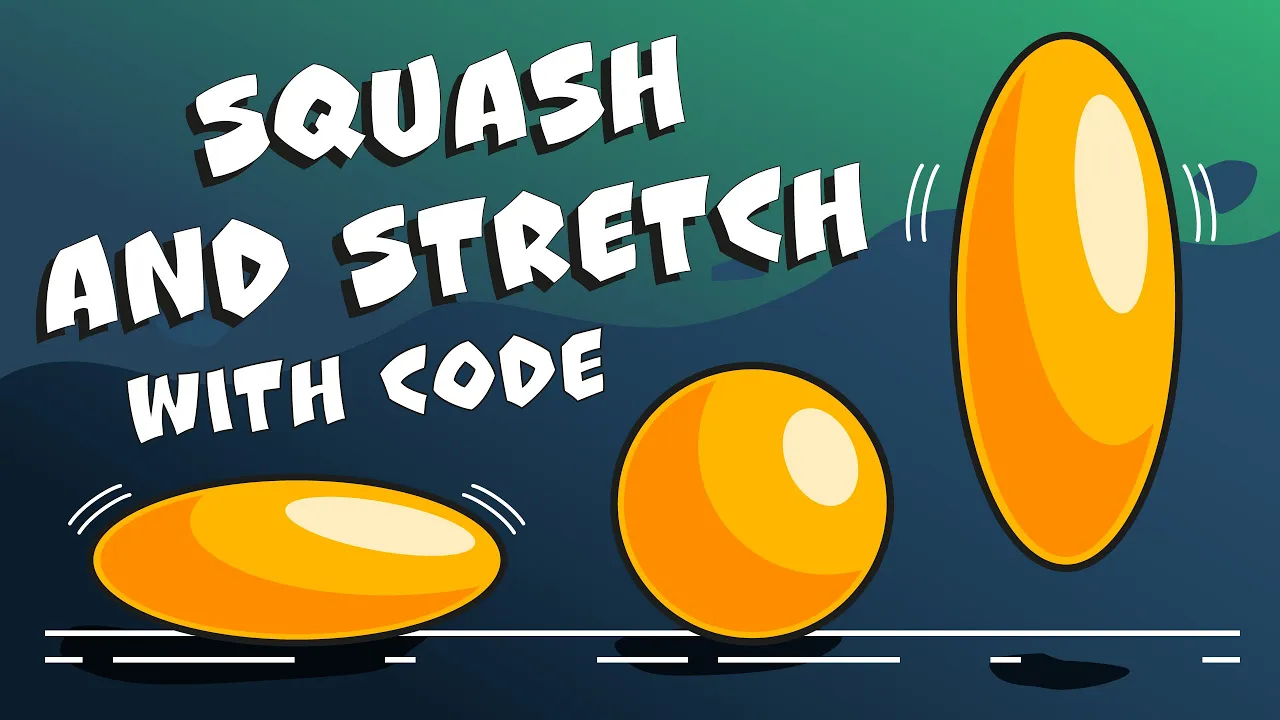
Adding some squash and stretch to your GameObjects can really make them come alive. All you need is a bit of code in Unity! Let's learn how!
This script can be attached to 3D objects, 2D sprites and UI elements without any changes needed. It's highly customizable and offers features like forward and backwards playing of the animation, percentage based animation (30% chance to play, for example) and a way to have every element react at once without having to find all the elements in the scene.
Three use cases show exemplary implementations: UI Buttons reacting to hovering above them, 3D elements's squash and stretch being called when they get created and a 2D character with a breathing animation as well as a jumping and landing animation.
📃 Github
https://github.com/Maraakis/ChristinaCreatesGames/tree/main/Squash%20and%20Stretch%20Animation%20with%20Code
Assets I used for this:
Kenney - Scribble Platformer - https://kenney.nl/assets/scribble-platformer (free)
KayKit - Halloween Bits - https://kaylousberg.itch.io/halloween-bits (free with paid extras)
KayKit - City Builder Bits - https://kaylousberg.itch.io/city-builder-bits (free with paid extras)
Both make amazing game assets, check them out =)!
Note about Odin Inspector:
I've used a few Odin Inspector Attributes in this video, but you don't need any of those to follow along. I just realized there are a lot of people out there with the asset sitting around, not finding good, every-day use cases yet 😉
Odin Offers a 90 day free trial in case you got curious 💛 You can find it here: https://odininspector.com/download
And in case you think it's worth it, here you can find it on the asset store: https://assetstore.unity.com/packages/tools/utilities/odin-inspector-and-serializer-89041?aid=1101lr4hF [Affilate link]
📖 Chapters 🔖
📁 Get the PDF Version of my tutorials
Would you rather read a book? I have a collection of eBooks on the Unity UGUI System here:
📘 Itch: https://christinacreatesgames.itch.io/
💬 Join the Discord
You are very welcome to join https://discord.gg/8pDT2J2TBX !
🎮 Play My Games
🎲 https://christinacreatesgames.itch.io
🛍️ Recommended Assets
https://assetstore.unity.com/lists/highly-recommended-9071944798250?aid=1101lr4hF [affiliate]
📖 List of books all around Gamedev and Design I recommend: https://www.christinacreatesgames.com/bookshelf
Otherwise, using my affiliate codes for these stores helps to support my channel:
🛒 Unity Asset Store: https://assetstore.unity.com/?aid=1101lr4hF [affiliate]
🏪 Synty Store: https://syntystore.com/christinacreatesgames [affiliate]
🪸 Envato Elements: https://1.envato.market/ChristinaCreatesGames [affiliate]
🔖Humble Bundle: https://humblebundleinc.sjv.io/xLGLNR [affiliate]
🌟 Actionable UI Feedback for Your Game
I offer UI consulting for gamedev projects! With 15+ years of design experience and a background of a teacher, I’m here to help:
👉 Learn more: https://www.vennegerts.com/en/gamedevelopment-consulting/
☕ Support Me on Ko-fi
If you enjoy the content and want to support my work:
💛 Buy me a cocoa: https://ko-fi.com/christinacreatesgames
#unitytutorial #unity3d #gamedev #indiedev
Howto & Style
#how to create squash and stretch in unity
#Unity tutorial
#Learn Unity
#ChristinaCreatesGames
#Game dev
#Game development
#game dev tutorial
#game development tutorial
#UI Design
#how to make squash and stretch in unity
#animation
#tutorial
#squash and stretch
#stretch
#squash
#squash and stretch unity
#squash and stretch animation
#squash and stretch animation tutorial
#squash & stretch
#unity 3d
#Game animation