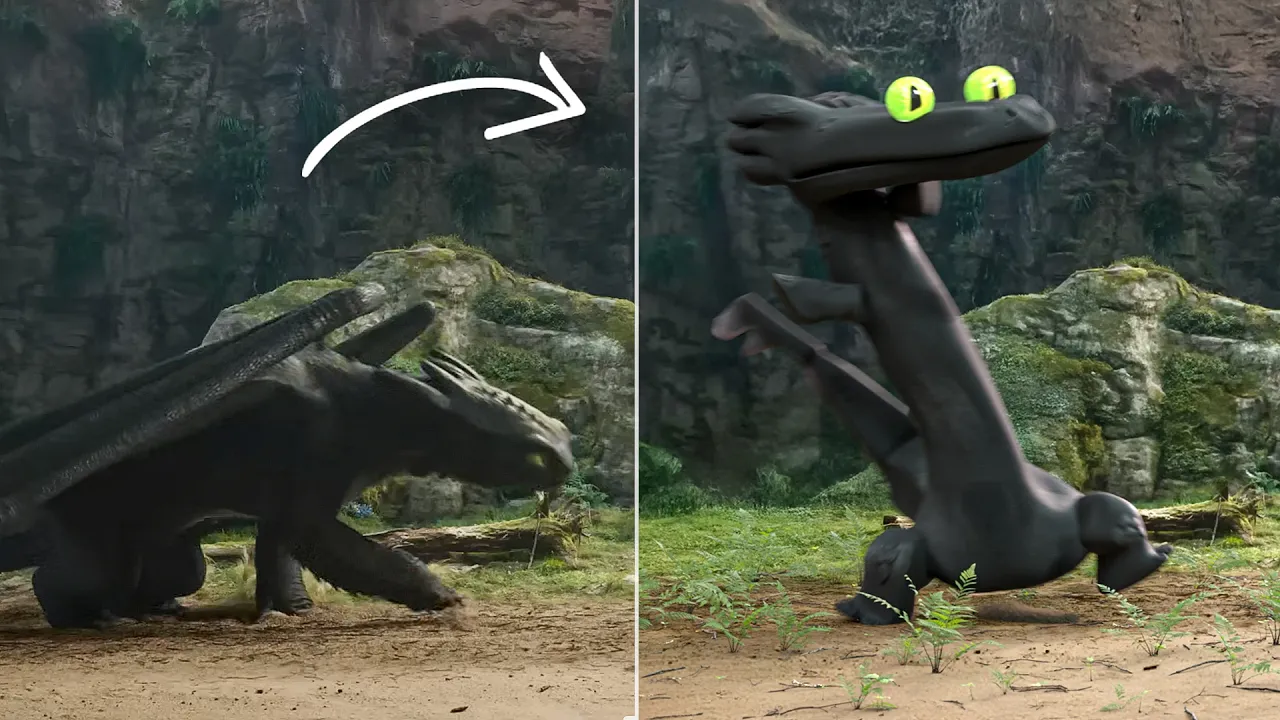
How I FIXED the VFX in How to Train Your Dragon
 CG Geek
Mar 3, 2025 20:19
CG Geek
Mar 3, 2025 20:19
Create an account to hide videos, mark them watched, or save them to Don't Miss.
Create an account to hide videos, mark them watched, or save them to Don't Miss.
Create an account to hide videos, mark them watched, or save them to Don't Miss.
the animation challenge of my lifetime
Nature Essentials Asset Pack: https://blendermarket.com/products/nature-essentials-asset-pack
NVIDIA RTX 5080 Colorful : https://en.colorful.cn/en/home/productlist?mid=102
Download Toothless on Patreon: https://www.patreon.com/c/cggeek
----------
My CPU: https://amzn.to/3IfaSJh
My GPU: https://amzn.to/44AcBQY
----------
This challenge to use Blender for 3D VFX to Model, Render, and Animate Toothless in How to Train Your Dragon nearly did me dead.. so if u agree that it's obviously better, leave a like maybe
See ya over on da grams: https://www.instagram.com/cg_geeks/
or if ur a tweeter: https://twitter.com/cggeeks
#animation #howtotrainyourdragon #blender
Education
#VFX
#Fix
#How to Train your dragon
#HTTYD
#Animation
#Blender
#Tutorial
#How to
#funny
#Toothless
#Dance
#Meme
#Animated
#3D animation