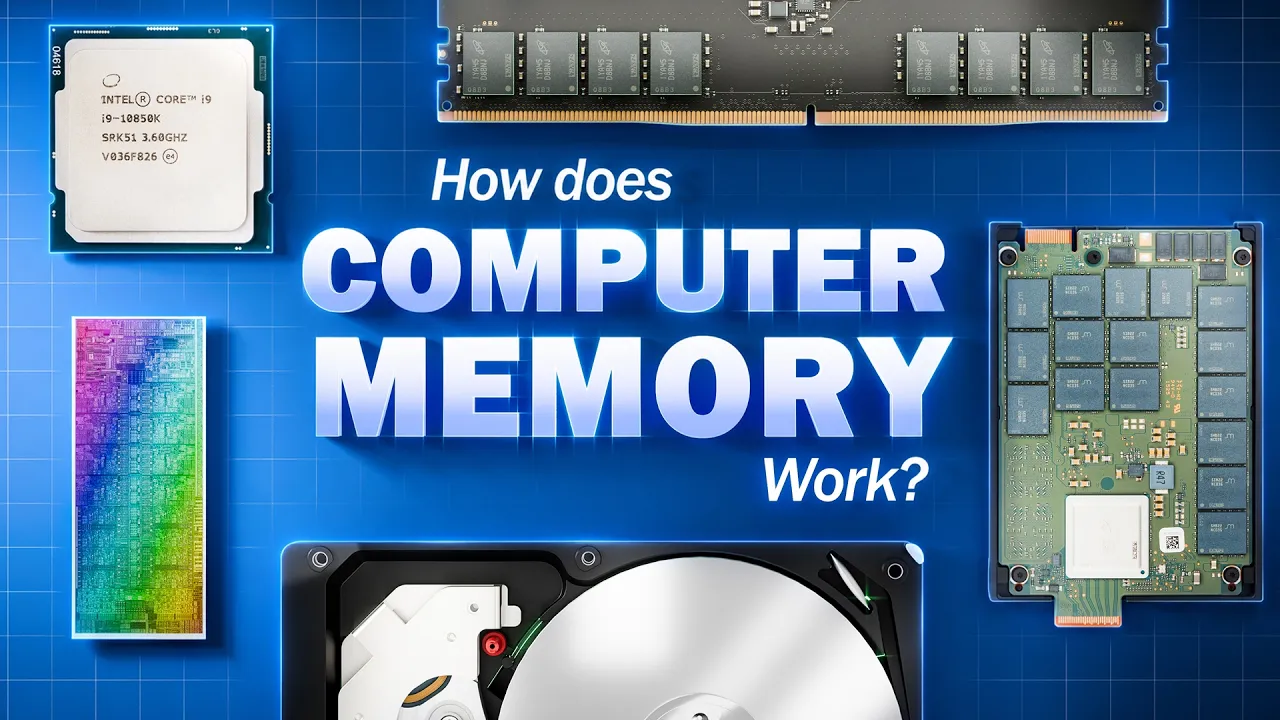
How does Computer Cache, Memory, and Storage Work? 🖥️💿🛠️
 Branch Education
May 28, 2026 13:35
Branch Education
May 28, 2026 13:35
Create an account to hide videos, mark them watched, or save them to Don't Miss.
Create an account to hide videos, mark them watched, or save them to Don't Miss.
Create an account to hide videos, mark them watched, or save them to Don't Miss.
Chapters
To learn more about how Micron memory and storage help enable AI at every level, visit: https://tinyurl.com/Micron-AI-data-center
Interested in working with Micron to make cutting-edge memory and storage solutions? Work at Micron: https://tinyurl.com/Micron-Careers
Your computer has over a dozen different memory and storage locations—from CPU registers to DRAM, SSDs and hard drives—and it needs every single one. In this video, you’ll see exactly why.
We're breaking down the entire explanation of the memory hierarchy into three parts.
First, a visual analogy using books and libraries that finally makes the wild tradeoffs in speed, capacity, and cost click.
Second, a nanoscopic tour inside registers, SRAM cache, DRAM, 3D NAND SSDs, and spinning hard drives to see how each one physically stores bits.
Third, the insane memory and storage stack powering modern AI servers, from HBM3E stacks to petabyte-scale NVMe data lakes.
By the end, you'll understand exactly how your computer—and the AI servers training the world's largest models—juggle data across every layer of the hierarchy.
Notes about the content: As our example computer, we’re using a typical computer from 2026. Of course, the specs vary based on the devices and the age of your computer, but all are within the ballpark. Also, we chose to keep the units consistent when comparing the devices, which is why we focus on nanosecond access time rather than the number of clock cycles. Consistency between units, we felt, was more important to get a sense of the magnitudes of difference.
Table of Contents:
This video’s title is still a work in progress- so if you have some ideas let us know!! Here are the options we thought through:
How does Data Work Inside a Computer?
Why Don’t Computers Just Use One Type of Memory? 🖥️💿🛠️
A Complete Explanation of How Data Works Inside Your Computer!!
Why do Computers use 12 (or more) Data Memory & Storage Locations?
What Exactly is the Memory Hierarchy?
We're working on more ambitious subjects like how AI works and Quantum Computers. Any contribution would greatly help make these videos. https://www.patreon.com/brancheducation
Branch Education Website: https://www.branch.education
Branch Education Facebook: https://www.facebook.com/BranchEducation/
Key Branches from this video are:
How does DRAM Work? https://youtu.be/7J7X7aZvMXQ
How do SSDs Work? https://youtu.be/5Mh3o886qpg
How do Hard Drives Work? https://youtu.be/wtdnatmVdIg
Animation: Mike Radjabov, Sherdil Davronov, Muazzam Azizova, Max Botirov, Javohir Xusan ogli
Research, Script and Editing: Teddy Tablante
Twitter: @teddytablante
Modeling: Mike Radjabov, Prakash Kakadiya
Voice Over: Phil Lee
Sound Design by Drilu: www.drilu.studio
Sound Design and Mix: Luis Huesca
Erratum:
Tanenbaum, A. S., & Austin, T. (2013). Structured Computer Organization (6th ed.). Pearson Education.
Wikipedia contributors. “DRAM”. “Hard Drive”. “Memory Hierarchy". “SSD” Wikipedia, The Free Encyclopedia. Wikipedia, The Free Encyclopedia, Visited May 24th 2026
Textbooks and Papers
See the DRAM, SSD, and HDD videos for all the references in there.
#DRAM #SSD #Micron
Education
#Hard Drive
#hard drive
#cache memory
#storage devices
#cpu cache
#computer memory
#computer science
#computer hardware
#Memory Hierarchy
#computer engineering
#inside a computer
#cpu explained
#cache
#SSD
#Solid State Drive
#HDD
#Hard Disk
#Micron
#Cloud Storage
#Registers
#Cache
#Cache Memory
#L1
#L2
#L3
#Hierarchy
#SSDs
#SATA
#NVMe
#HBMe
#HBM3e
#HBM4
#how computers work
#random access memory
#computer memory and storage
#computer storage
#computer data
#data storage
#cloud storage