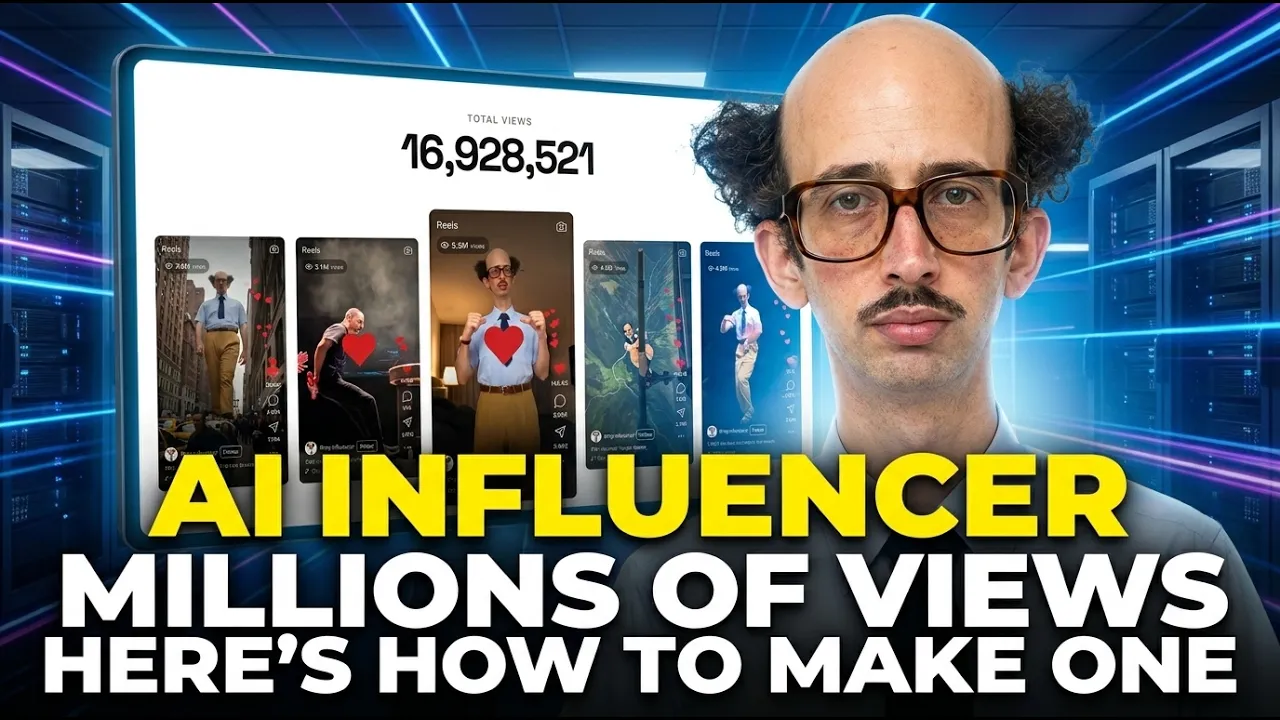
This AI Influencer Got Millions of Views—Here’s How to Make One
 BlenderHub
Oct 5, 2026 18:04
BlenderHub
Oct 5, 2026 18:04
Create an account to hide videos, mark them watched, or save them to Don't Miss.
Create an account to hide videos, mark them watched, or save them to Don't Miss.
Create an account to hide videos, mark them watched, or save them to Don't Miss.
Try Higgsfield AI → https://higgsfield.ai/s/higgsfield-ai-influencer-yt-blenderhub7-dgtVGn
Learn how to create an AI influencer from scratch using Higgsfield AI Influencer Studio. In this tutorial, I build an original AI character, animate it with Genjutsu motion transfer, and create an outfit variation.
This video is sponsored by Higgsfield.
Instead of jumping between multiple tools, I demonstrate a simple workflow inside Higgsfield:
• Create your AI influencer
• Apply a built-in motion reference
• Generate and review the video
• Change the outfit and compare the results
If you’re exploring virtual influencer content or AI UGC, this walkthrough shows how an AI influencer generator can turn a character idea into animated content. You’ll also see the results up close so you can judge the character consistency and motion yourself.
Which outfit looks better—the original or the orange jacket? Tell me in the comments.
Subscribe for practical AI tutorials, video AI workflows, and creative tools.
#AIInfluencer #HiggsfieldAI #AIInfluencerStudio
Education
#ai influencer
#how to create an ai influencer
#ai influencer tutorial
#create ai influencer
#ai influencer generator
#higgsfield ai
#higgsfield ai influencer
#ai influencer studio
#higgsfield tutorial
#genjutsu
#higgsfield genjutsu
#virtual influencer
#ai character
#ai character animation
#ai motion transfer
#ai ugc
#ai video generator
#video ai