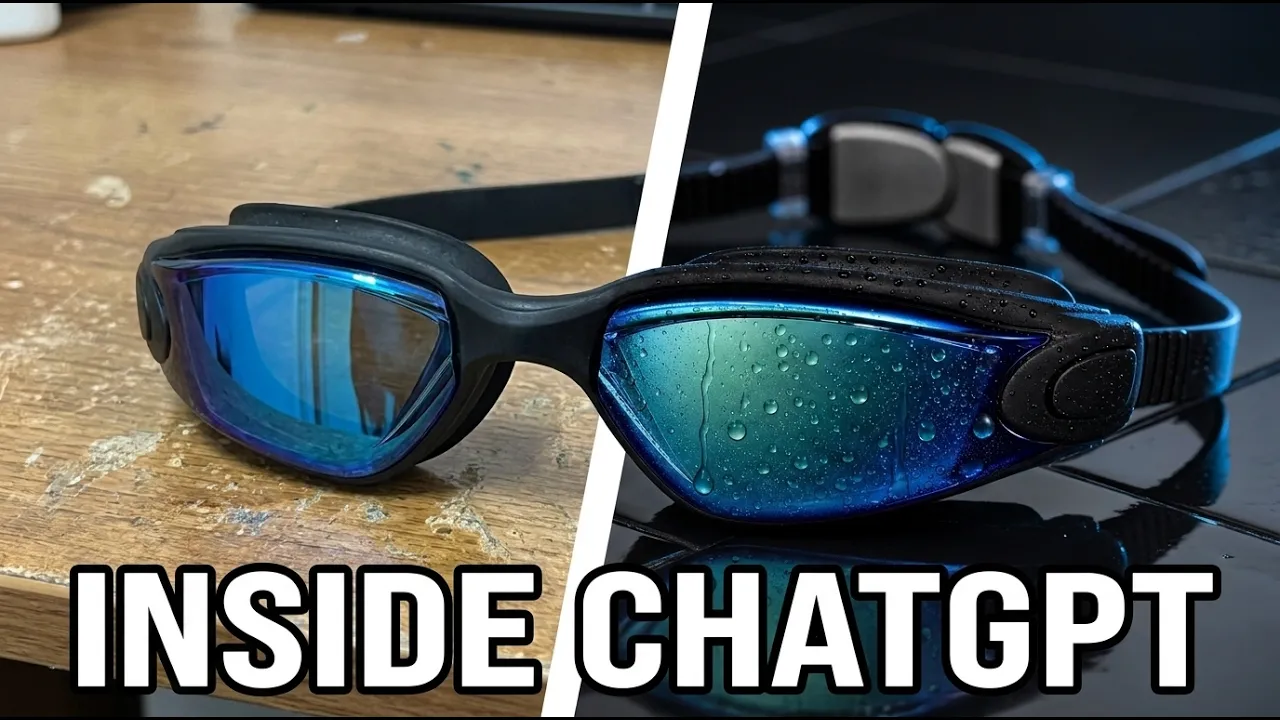
How To Make AI Product Ads With Higgsfield Inside ChatGPT (Full Tutorial)
 BlenderHub
Sep 18, 2026 18:52
BlenderHub
Sep 18, 2026 18:52
Create an account to hide videos, mark them watched, or save them to Don't Miss.
Create an account to hide videos, mark them watched, or save them to Don't Miss.
Create an account to hide videos, mark them watched, or save them to Don't Miss.
▶ Try the Higgsfield Plugin for ChatGPT — free to get started: https://higgsfield.ai/s/higgsfield-marketing-inside-chatgpt-blenderhub7-lYFCVg
Four photos taken on my phone, turned into a finished 15-second product ad — without leaving ChatGPT once.
The Higgsfield Plugin turns ChatGPT into a full AI video generator and image studio. You describe what you want, ChatGPT plans the creative, and Higgsfield AI handles the generation — GPT Image 2, Seedance, Nano Banana Pro, Kling 3 and more, all selectable inside the chat. No tab-switching, no separate workflow.
In this video, step by step: installing the plugin, choosing your model, turning phone photos into a clean product sheet, then turning that sheet into a finished ad. Plus the one extra step most people skip that decides whether your result is usable — and an honest look at where it still falls short.
If you're exploring ChatGPT creative tools, this is AI image generation and ChatGPT AI video in one window — genuinely useful for text to video AI, faceless video AI, UGC video generator workflows and AI marketing tools.
🔗 Install the Higgsfield Plugin: https://higgsfield.ai/s/higgsfield-marketing-inside-chatgpt-blenderhub7-lYFCVg
⏱️ CHAPTERS
#HiggsField #ChatGPT #AIVideo #AIImageGeneration #AITools #TextToVideo #FacelessContent #AIMarketing #ContentCreation #GenerativeAI
Education
#higgsfield ai
#how to make ai ads
#higgsfield plugin
#chatgpt ai video
#ai product ad
#ai commercial
#ai video generator
#text to video ai
#ai image generation
#chatgpt creative tools
#higgsfield
#seedance 2.5
#ai marketing tools
#ugc video generator
#faceless video ai
#how to create video with ai
#chatgpt plugin
#ai ads tutorial
#product photo to video
#ai film
#gpt image 2
#kling 3
#ai video ads
#chatgpt higgsfield
#higgsfield tutorial