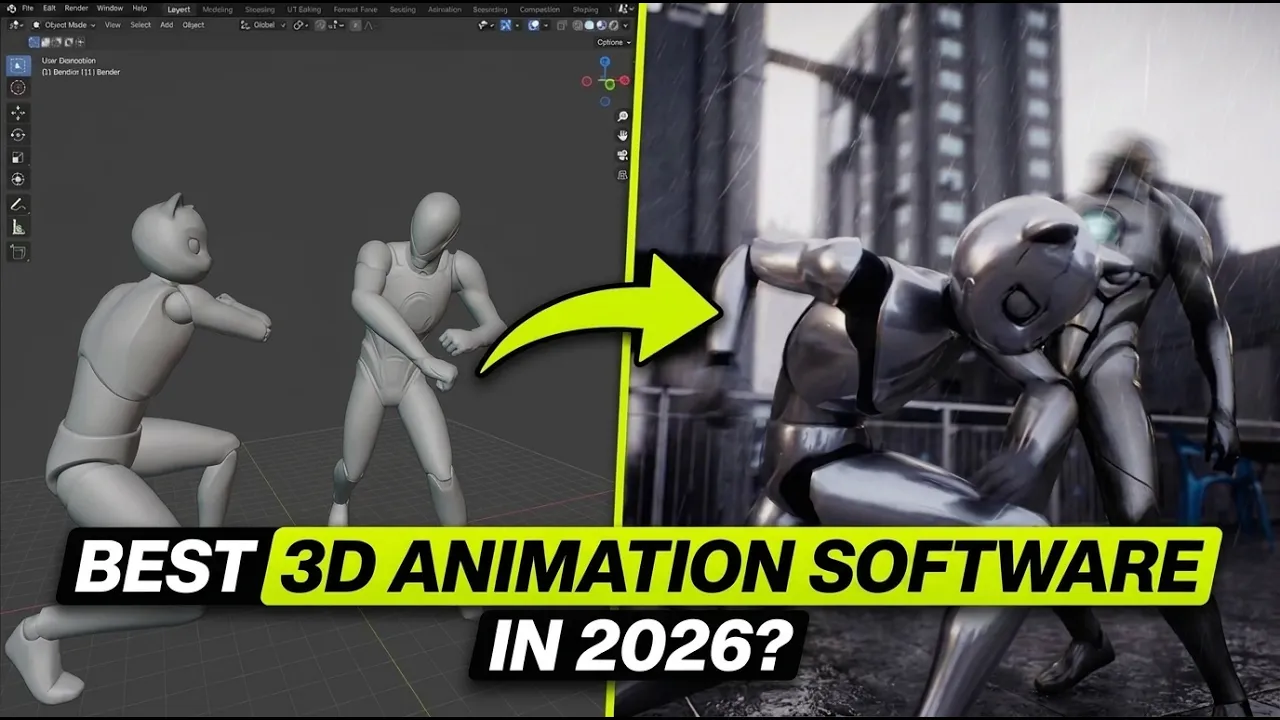
Best 3D Animation Software in 2026? Meet Cascadeur
 BlenderHub
Oct 6, 2026 18:39
BlenderHub
Oct 6, 2026 18:39
Create an account to hide videos, mark them watched, or save them to Don't Miss.
Create an account to hide videos, mark them watched, or save them to Don't Miss.
Create an account to hide videos, mark them watched, or save them to Don't Miss.
Looking for the best 3D animation software in 2026? Discover how Cascadeur uses AI-assisted posing, inbetweening, and physics tools to help you create believable character movement.
Get It Free🔗 https://cascadeur.com/?ref=maroc
In this three-minute overview, you’ll learn:
• How AutoPosing helps you build character poses
• How AI inbetweening connects your keyframes
• How AutoPhysics suggests more believable movement
• Where Cascadeur fits alongside Blender and OpenToonz
• What to know about the free plan and animation export
Whether you’re exploring game animation, action scenes, or 3D character animation, this video explains what Cascadeur offers—and where its limitations matter.
Explore Cascadeur: https://cascadeur.com/?ref=maroc
Important: Cascadeur’s free plan is non-commercial and exports only CASC files. Check the current plans for other export formats.
What would you animate first: a fight, a jump, or a walk cycle?
Subscribe for practical animation, Blender, and creative AI tutorials.
#Cascadeur #3DAnimation #AnimationSoftware
Education
#best animation software 2026
#best 3d animation software
#cascadeur
#cascadeur 2026
#cascadeur explained
#cascadeur for beginners
#ai animation software
#ai assisted animation
#3d character animation
#character animation software
#autoposing
#autophysics
#ai inbetweening
#keyframe animation
#game animation
#animation software for pc
#blender animation