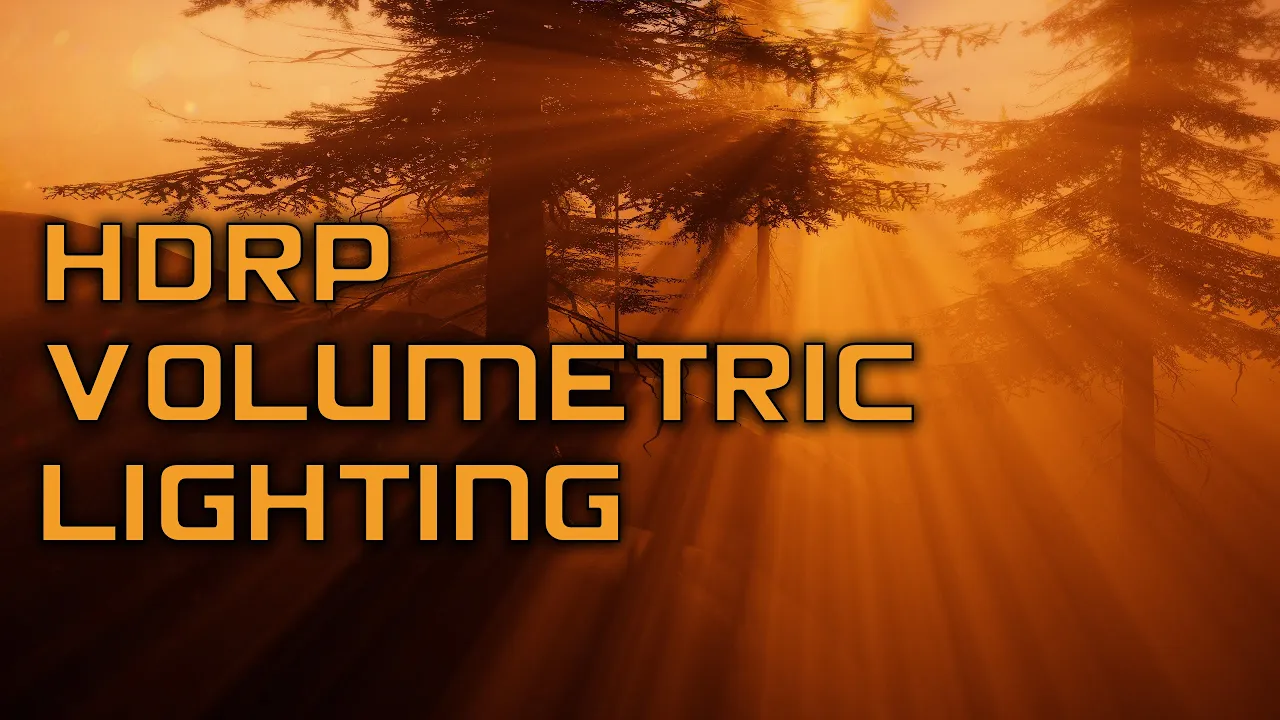
Use HDRP Volumetric Lighting to Make Your Game Looks Cinematic - Unity Engine Tutorial
 Binary Lunar
Oct 11, 2020 10:59
Binary Lunar
Oct 11, 2020 10:59
Create an account to hide videos, mark them watched, or save them to Don't Miss.
Create an account to hide videos, mark them watched, or save them to Don't Miss.
Create an account to hide videos, mark them watched, or save them to Don't Miss.
Chapters
In this video we will show you how to make your game scene looks cinematic by using HDRP (High Definition Rendering Pipeline) volumetric lighting in Unity engine.
Download project files (Patrons only): https://www.patreon.com/BinaryLunar
Book of Dead Project:
https://assetstore.unity.com/packages/essentials/tutorial-projects/book-of-the-dead-environment-121175
Grass Texture:
https://www.textures.com/download/grass0110/32001?q=grass
Music:
Dreamer by Hazy
https://soundcloud.com/hazy_music
Music provided by https://www.plugnplaymusic.net
● Discord: https://discord.com/invite/b6bXKSV
● Subscribe: https://www.youtube.com/channel/UCLWdeb3R2U_htIdI3RqT5YA?sub_confirmation=1
● Twitter: https://twitter.com/BinaryLunar
● Facebook: https://www.facebook.com/Binary-Lunar-102590804565782/
● Support us on Patreon: https://www.patreon.com/BinaryLunar
● Check our Assets: https://assetstore.unity.com/publishers/47136
Gaming
#binary lunar
#unity hdro
#unity hdrp tutorial
#unity hdrp
#unity hdrp lighting
#volumetric lighting unity hdrp
#volumetric lighting unity
#unity volumetric lighting
#unity volumetric fog
#god rays unity
#light shafts unity
#high definition render
#high definition render pipeline unity
#high definition render pipeline
#unity cinematic
#unity tutorial for beginners 2020 3d
#Use HDRP Volumetric Lighting to Make Your Game Looks Cinematic - Unity Engine Tutorial