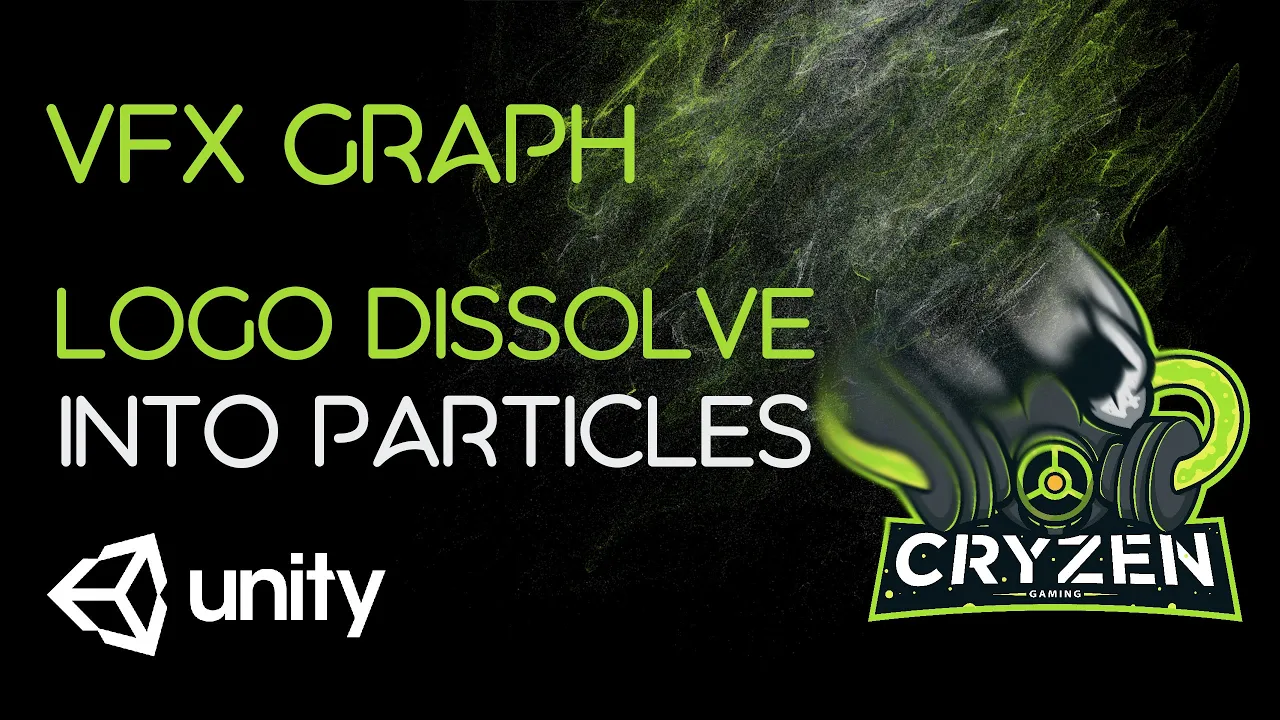
Logo Dissolve Into Particles Using Visual Effect Graph: Unity Tutorial
 Binary Lunar
Jul 31, 2020 08:11
Binary Lunar
Jul 31, 2020 08:11
Create an account to hide videos, mark them watched, or save them to Don't Miss.
Create an account to hide videos, mark them watched, or save them to Don't Miss.
Create an account to hide videos, mark them watched, or save them to Don't Miss.
Chapters
In this video you will learn how to dissolve your logo using Visual Effect Graph (VFX Graph) by applying fade out to the logo synced with VFX Graph or applying the glowing dissolve shader graph which we created in previous video.
Download project files (Patrons only): https://www.patreon.com/BinaryLunar
2D Glowing Dissolve Shader Graph - Tutorial: https://www.youtube.com/watch?v=6DC1mpu2r0Y
Code Monkey Reference:https://www.youtube.com/watch?v=bSsgGCBg7TE
Check our game AvoCuddle: https://store.steampowered.com/app/1072610/AvoCuddle/
● Subscribe: https://www.youtube.com/channel/UCLWdeb3R2U_htIdI3RqT5YA?sub_confirmation=1
● Twitter: https://twitter.com/BinaryLunar
● Facebook: https://www.facebook.com/Binary-Lunar-102590804565782/
● Support us on Patreon: https://www.patreon.com/BinaryLunar
● Check our Assets: https://assetstore.unity.com/publishers/47136
● The Ultimate 2D & 3D Shader Graph Course: https://tinyurl.com/3b5zac7c
Gaming
#Unity
#Shader
#particles
#glowing dissolve shader
#unity
#2D
#shader
#graph
#tutorial
#dissolve
#game developer career
#unity tutorial for beginners 2020
#game development
#unity tutorial
#binary lunar
#how to
#how to basic
#graphic design tutorials for beginners
#unity tutorial for beginners
#Dissolving Logo With VFX Graph
#logo to particles
#visual effect graph tutorial
#unity vfx graph
#unity vfx graph tutorial
#unity visual effect graph
#Logo Dissolve Into Particles