Avoid Losing Your Changes by Using Playmode Tint in Unity Engine - Unity Tips
 Binary Lunar
Apr 29, 2023 15:07
Binary Lunar
Apr 29, 2023 15:07
Create an account to hide videos, mark them watched, or save them to Don't Miss.
Create an account to hide videos, mark them watched, or save them to Don't Miss.
Create an account to hide videos, mark them watched, or save them to Don't Miss.
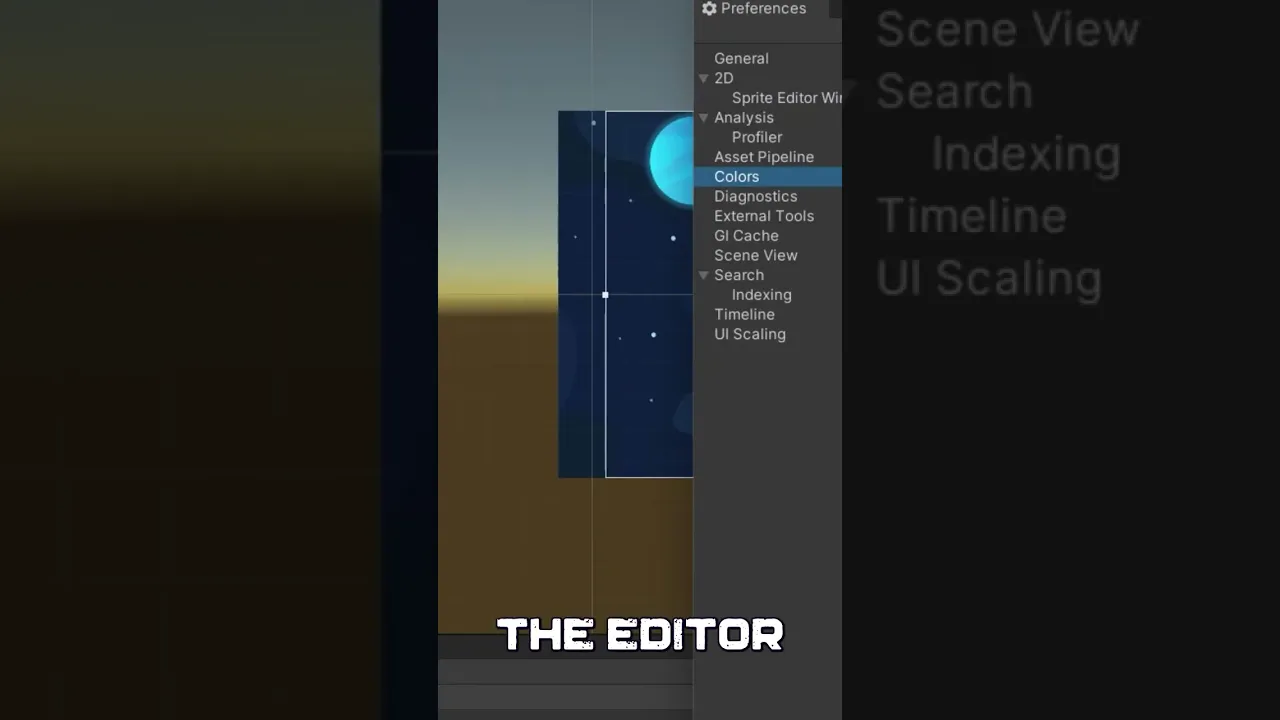
Have you ever lost your changes in Unity Engine while playtesting your game? It can be frustrating to go back and redo your work. But fear not, there's a simple solution: Playmode Tint. In this short tutorial, we'll show you how to use Playmode Tint to make sure you don't accidentally make changes to your scene or game objects while playtesting. With Playmode Tint, you'll be able to clearly see which objects are in playmode and which are not, helping you avoid any unwanted changes. So watch this tutorial and start using Playmode Tint in your Unity projects today!
Entertainment
#Unity Engine
#Playmode Tint
#unity tips
#learn unity
#Game development
#Game design
#Unity tutorials
#Unity tips and tricks
#Game debugging
#Unity workflow
#Avoiding accidental changes in Unity
#Game development tools
#Game development software
#Unity game development
#Programming tutorials
#Game development best practices
#Game development for beginners
#ame development for intermediate users