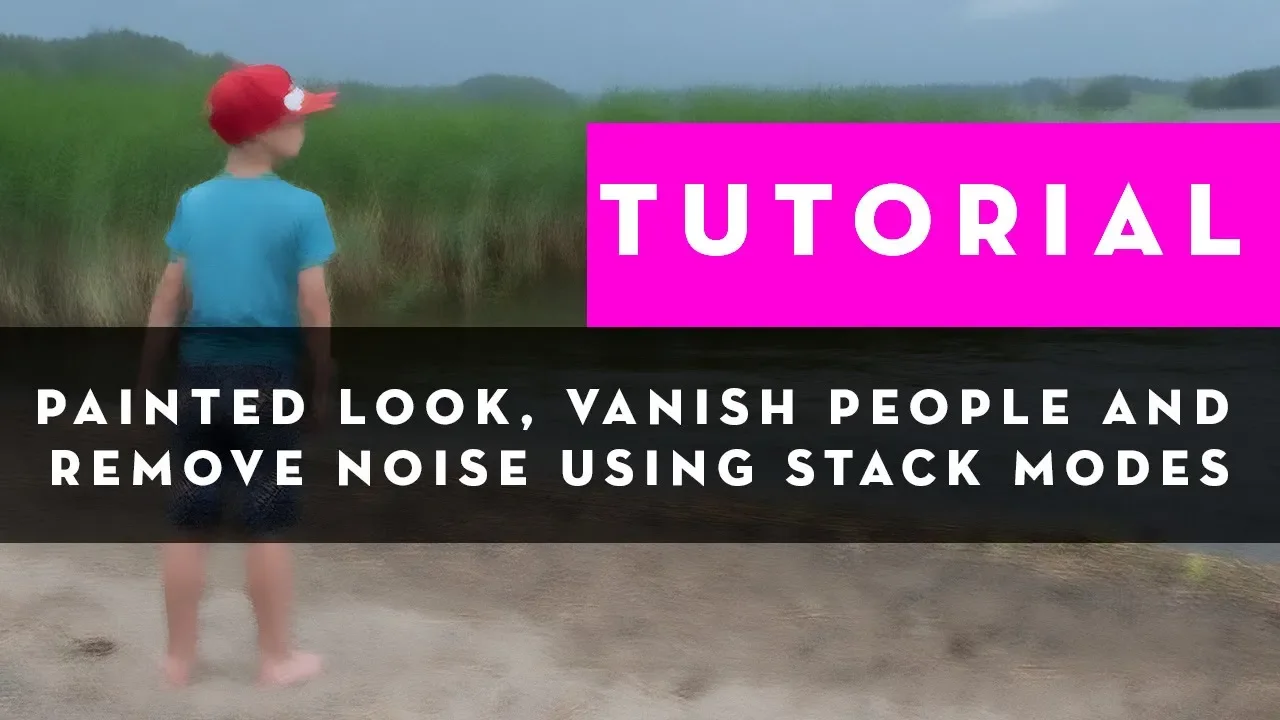
Painterly art, vanish people, remove noise using Photoshop Stack modes
 Antti Karppinen
Jul 21, 2018 20:00
Antti Karppinen
Jul 21, 2018 20:00
Create an account to hide videos, mark them watched, or save them to Don't Miss.
Create an account to hide videos, mark them watched, or save them to Don't Miss.
Create an account to hide videos, mark them watched, or save them to Don't Miss.
How to make painterly art, vanish people and remove unwanted noise using Photoshop Stack modes? Learn other cool digital art techniques: https://www.aliasedu.com
Marc Sabat: https://www.instagram.com/marc.sabat/
Follow me:
Website : http://www.anttikarppinen.com
Facebook: https://www.facebook.com/anttikarppinenphotography
Instagram: https://www.instagram.com/aliasantti/
Twitter: https://twitter.com/antti_karppinen
People & Blogs
#retouch
#antti karppinen
#adobe
#photoshop
#lightroom
#tutorial
#digital art
#digital artist
#photoshop stack modes
#photoshop blending modes
#photoshop statistics median
#photoshop statistics script
#statistic scripts
#How to vanish people
#painted look photoshop
#painted look photoshop tutorial
#photography tutorial
#photoshop tutorial
#digital artist tips
#retouching photoshop tutorial
#retouch photoshop
#digital artist set up
#remove noise photoshop