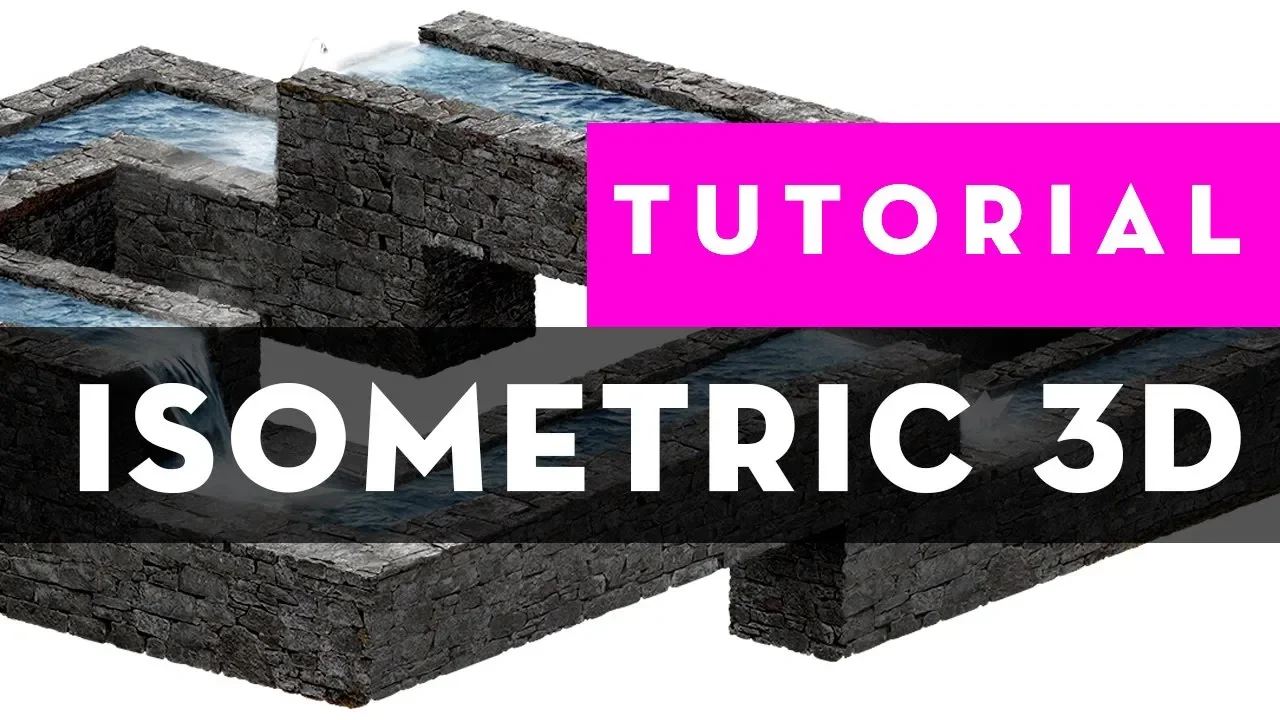
Create ISOMETRIC 3D elements with real textures using PHOTOSHOP
 Antti Karppinen
May 17, 2018 15:02
Antti Karppinen
May 17, 2018 15:02
Create an account to hide videos, mark them watched, or save them to Don't Miss.
Create an account to hide videos, mark them watched, or save them to Don't Miss.
Create an account to hide videos, mark them watched, or save them to Don't Miss.
How to create amazing isometric 3D elements using real textures in Photoshop. Learn more amazing composite image techniques https://www.aliasedu.com
READ THE STORY BEHIND ENDLESS: https://anttikarppinen.com/2016/09/inspired-by-m-c-escher-i-created-image-that-i-could-never-hang-to-my-own-walls/
Follow me:
Website : http://www.anttikarppinen.com
Facebook: https://www.facebook.com/anttikarppinenphotography
Instagram: https://www.instagram.com/aliasantti/
Twitter: https://twitter.com/antti_karppinen
People & Blogs
#retouch
#antti karppinen
#photoshop
#tutorial
#digital art
#digital artist
#isometric 3d model
#3d element photoshop
#3d texture
#isometric shape
#3d in photoshop
#isometric design
#isometric tutorial
#digital art tutorial
#3d shapes photoshop
#endless
#world photographic cup
#3d photoshop
#isometric pixel art
#isometric art
#3d art
#3d digital art
#texturize elements
#texture packs
#3d geometry
#digital art for beginners