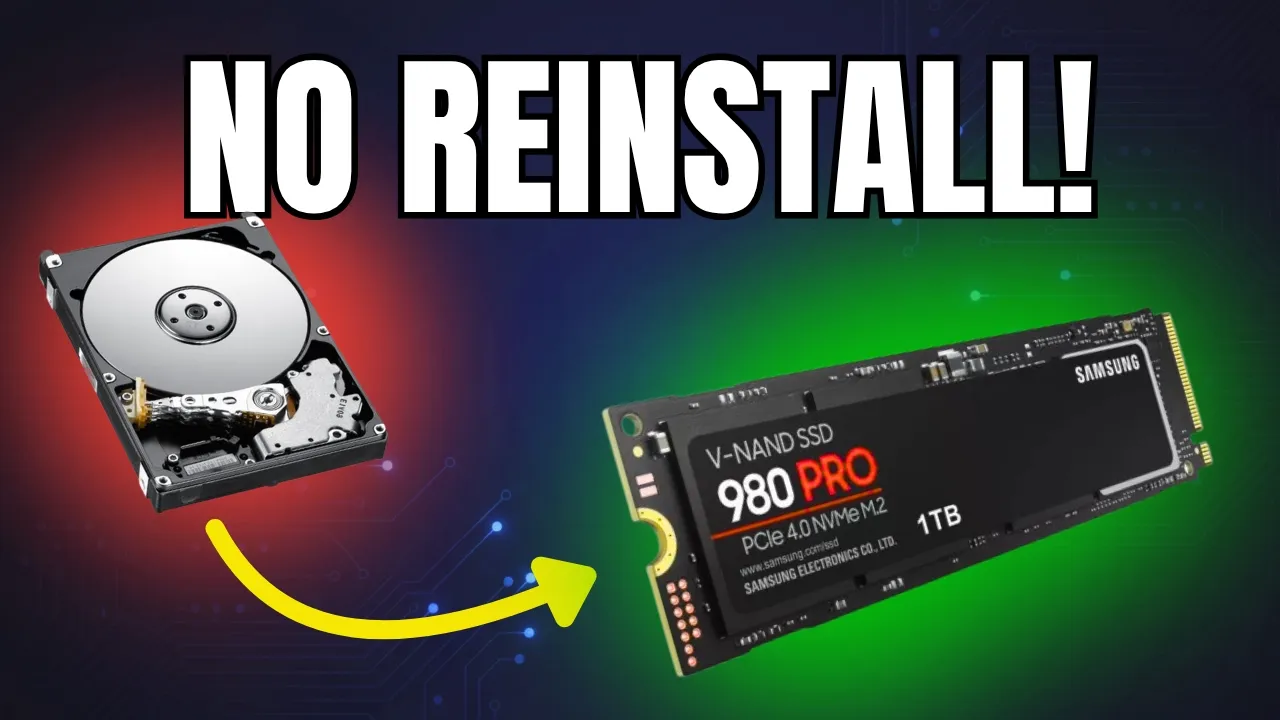
How YOU Can Clone HDD to SSD (No Reinstall!)
 Alex Cybersecurity
Apr 17, 2026 21:16
Alex Cybersecurity
Apr 17, 2026 21:16
Create an account to hide videos, mark them watched, or save them to Don't Miss.
Create an account to hide videos, mark them watched, or save them to Don't Miss.
Create an account to hide videos, mark them watched, or save them to Don't Miss.
Chapters
Bought a new SSD? Don't reinstall Windows and don't lose your data. Most people think upgrading to an M.2 NVMe means a weekend of hunting drivers and lost software licenses. They are wrong. Today, we are performing a "digital heart transplant" using EaseUS Disk Copy.
Download EaseUS Disk Copy here: https://bit.ly/4c1izOr
In under 10 minutes, I’ll show you how to migrate your entire OS and every single file to a new drive with a 100% guaranteed boot. We’re also going beyond the basics: handling Secure Boot errors and performing a "digital lobotomy" to prove the clone is running perfectly from a USB.
What you will learn in this "Elite" surgery:
✅ How to clone HDD to SSD or M.2 NVMe without formatting.
✅ Moving Windows 10/11 system partitions to a larger drive.
✅ Creating bootable rescue media for emergency system recovery.
✅ Sector-by-sector cloning to ensure no hidden boot sectors are missed.
Timestamps:
Channel Memberships: Do you want exclusive videos and early access?
Support the channel and join our Premium community!
-------------------------------------------------------------------------------------------------------------------------
JOIN THE COMMUNITY:
Discord: https://discord.gg/dHhXmzaC2E
Instagram: https://instagram.com/alex.cybersecurity
-------------------------------------------------------------------------------------------------------------------------
#EaseUS #DiskCopy #SSDUpgrade #WindowsMigration #TechTutorial #CloneHDD #AlexCybersecurity #ACS #CyberSecurity #M2NVMe
Science & Technology
#Alex Cybersecurity
#ACS
#Alex Cybersec
#Clone HDD to SSD
#SSD Upgrade
#EaseUS Disk Copy
#Windows 11 Migration
#Windows 10 Migration
#WinToGo
#Windows To Go
#Create WinToGo USB
#Bootable USB
#No Data Loss
#Without Reinstalling Windows
#HDD to SSD Clone Tutorial
#Sector-by-sector clone
#M.2 NVMe upgrade
#Digital Heart Transplant
#PC Surgery
#Low Level Surgery
#Kako klonirati disk
#EaseUS tutorial 2026
#SSD performance boost